
Brand kit
Logos, colors, a ready-to-post video, social posts and the words we use. Free for affiliates, creators, partners and press.
Use the full logo wherever it fits. Use the icon on its own only where space is tight, like a profile picture or an app grid.




Keep clear space around the logo at least as wide as the bolt. Don't use the full logo smaller than 120 px wide, or the icon smaller than 24 px.
Dark text on light backgrounds, light text on dark ones. On busy photos, put the logo on a solid panel first.
The wordmark is custom lettering. Don't retype it in another font. In sentences, write the name as LinkTwin.
LinkTwin Blue leads. Night and Ink carry most of the weight, and the bolt colors stay small. Click a swatch to copy its hex code.
The phone inside the logo uses its own blue (#02629E on light, #3E9BE3 on dark). Keep it in the logo files only.
Two free Google Fonts. Both are open source, so you can use them anywhere.
Every link, in the right app.
Get it on Google FontsLinks open in YouTube, Amazon, Spotify and 100+ other apps, where people are already signed in.
Get it on Google FontsPlain words, real benefits. Say what changes for the person tapping the link.
Write LinkTwin: one word, capital L and capital T. The website is linktw.in, always lowercase.
LinkTwin makes every link you share open in the right app.
LinkTwin makes every link you share open in the right app. Links shared on Instagram, TikTok or Facebook open in YouTube, Amazon, Spotify and 100+ other apps, where people are already signed in. Free to start.
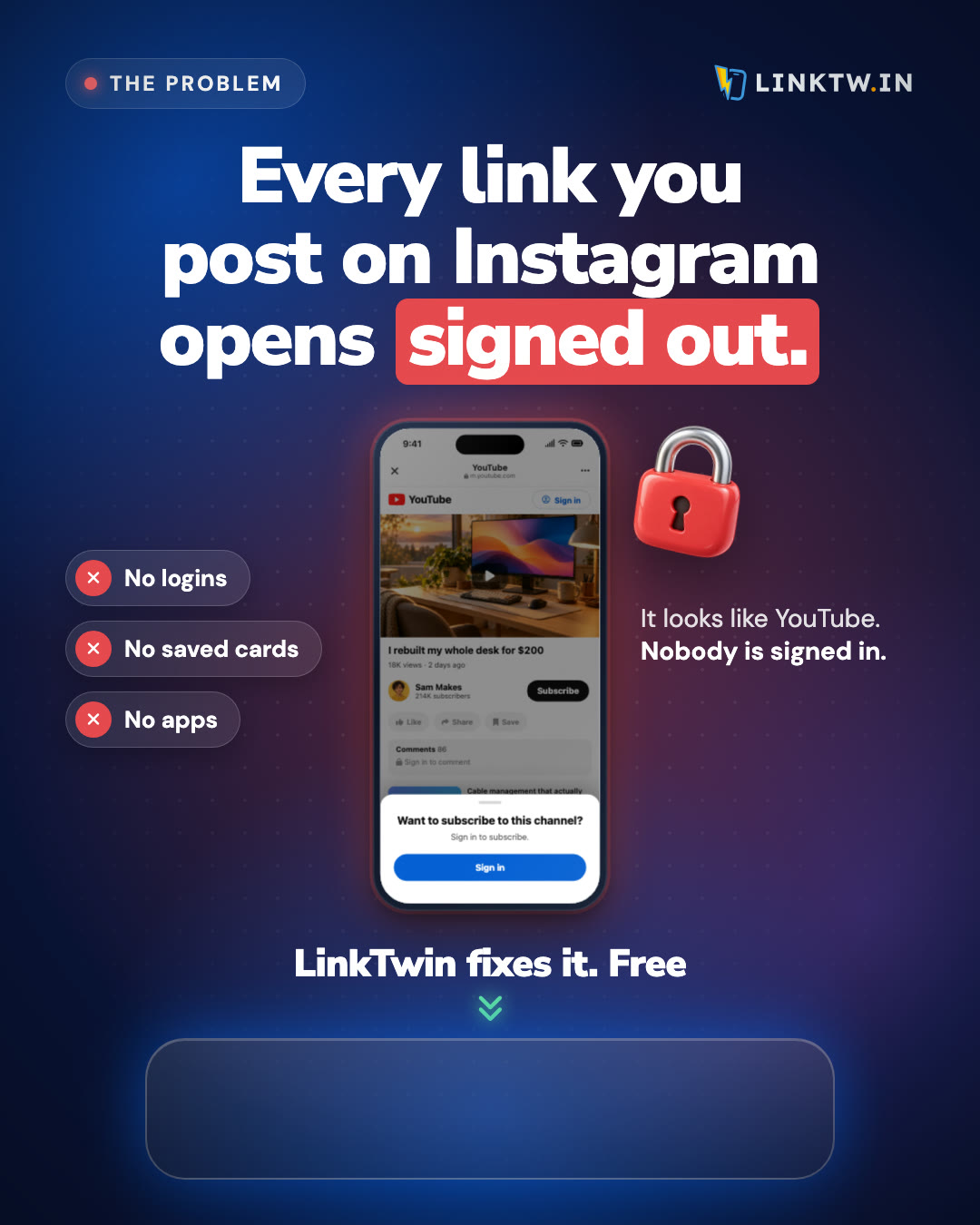
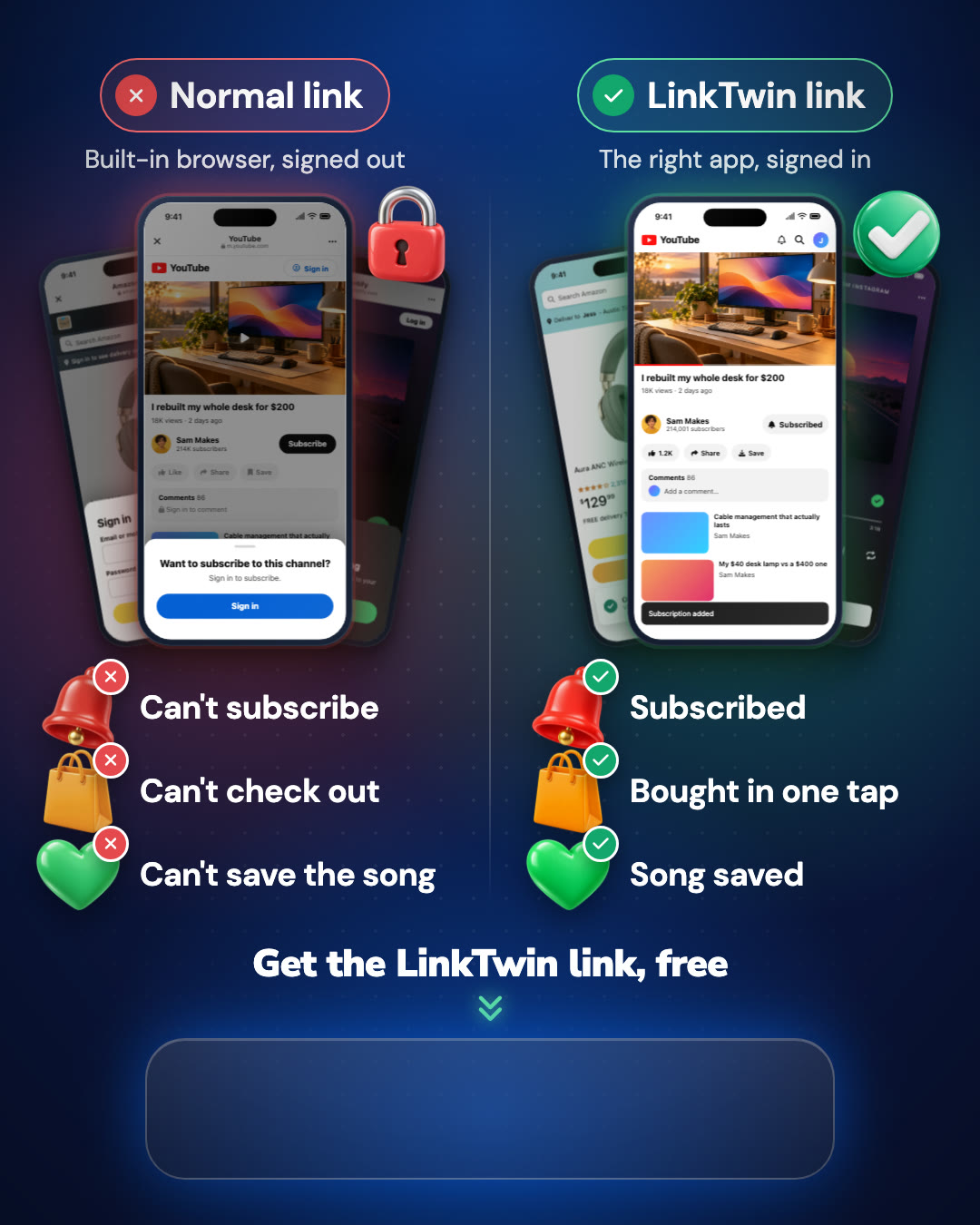
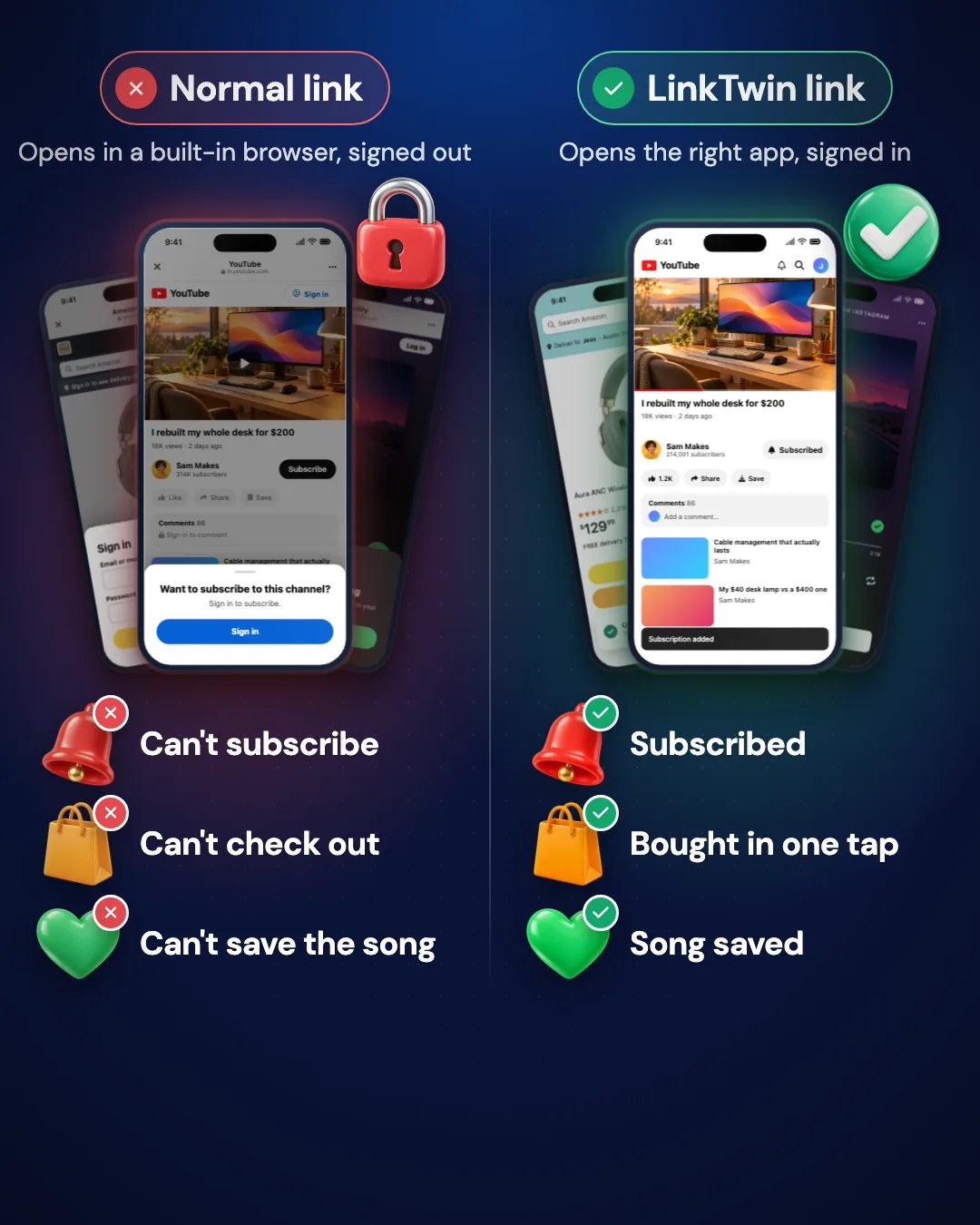
Links shared on Instagram, Facebook, TikTok and other social apps open in a built-in browser where nobody is signed in, so people can't subscribe, buy or listen without logging in again. LinkTwin fixes that. Paste any link and LinkTwin makes a smart link that opens in the YouTube, Amazon, Spotify or 100+ other apps, or in Safari and Chrome. Every account also gets click analytics, QR codes and bio pages. Trusted by 50,000+ creators and marketers. Free plan, no credit card.
Earning a commission? Say so near the link, for example "affiliate link" or #ad. Many countries require it, including the US and the UK.
Eight images made for your Story. Each one leaves an empty space for the link sticker, so your followers can tap straight through to your link.
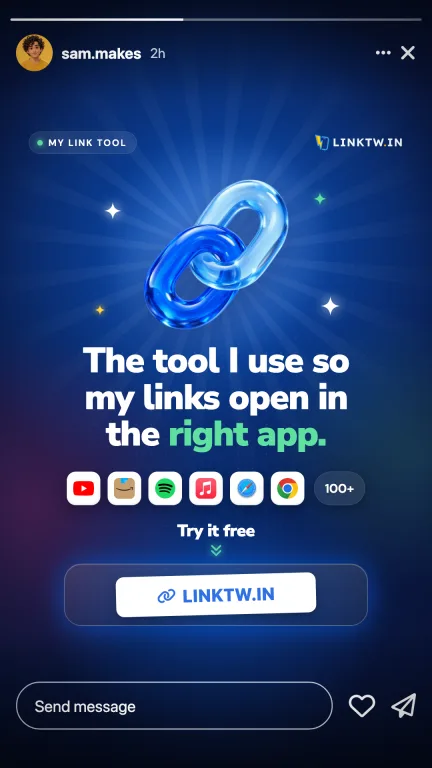
Save one to your phone, or take all of them as a ZIP.
Open Instagram, start a new Story and pick the image from your photos.
Tap the sticker icon, choose Link and paste your link. Then drag the sticker onto the empty space.
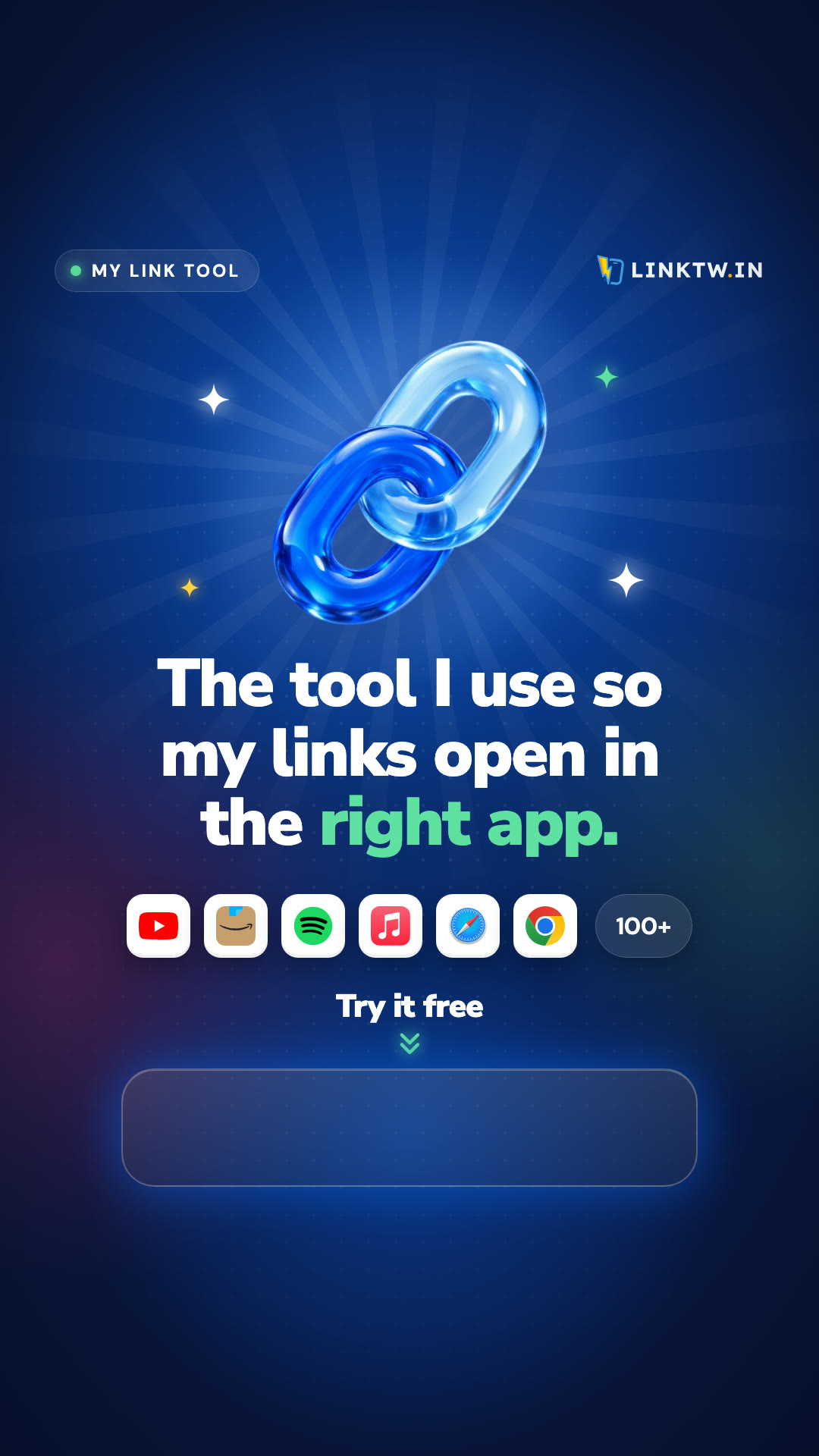
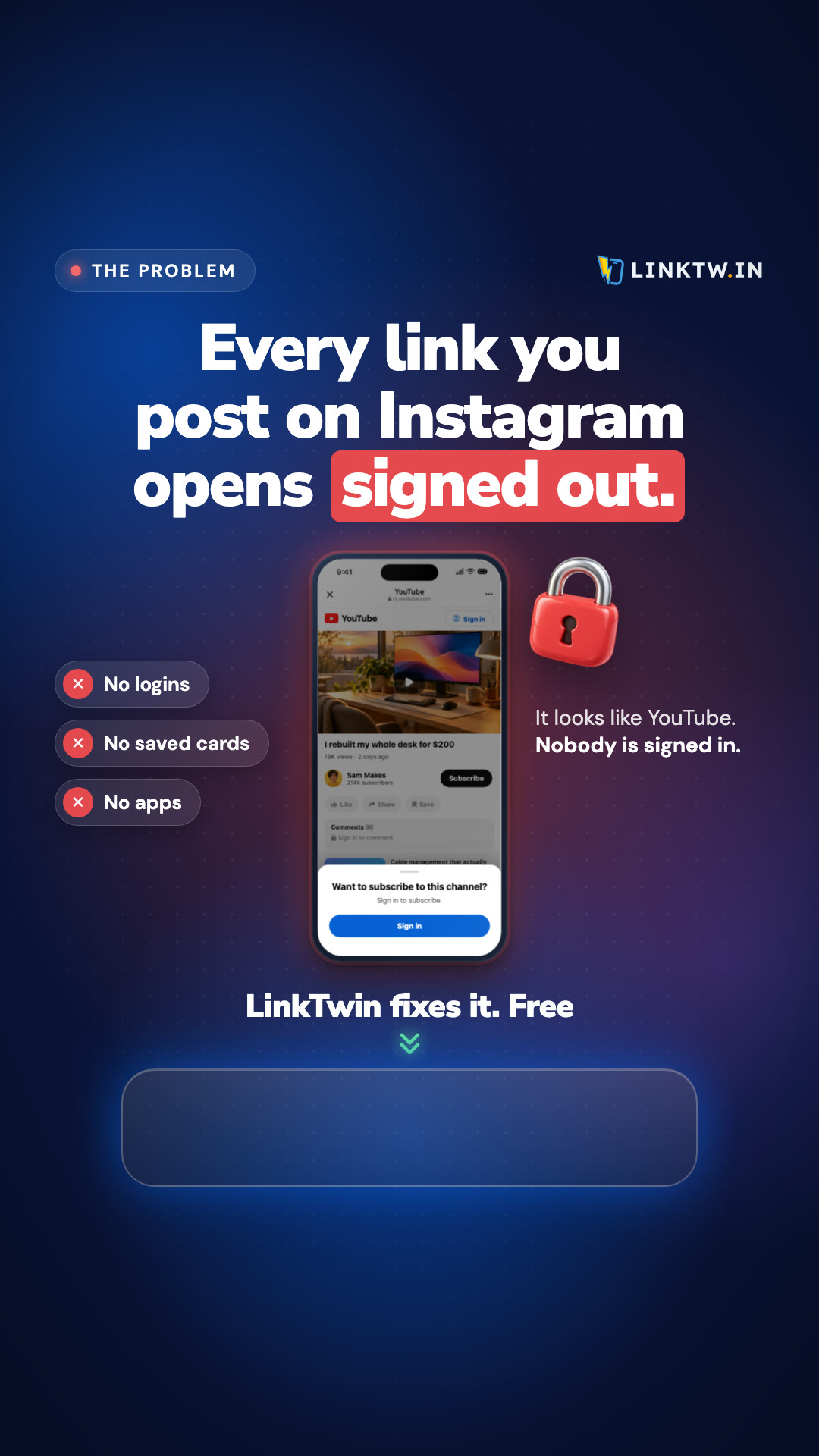
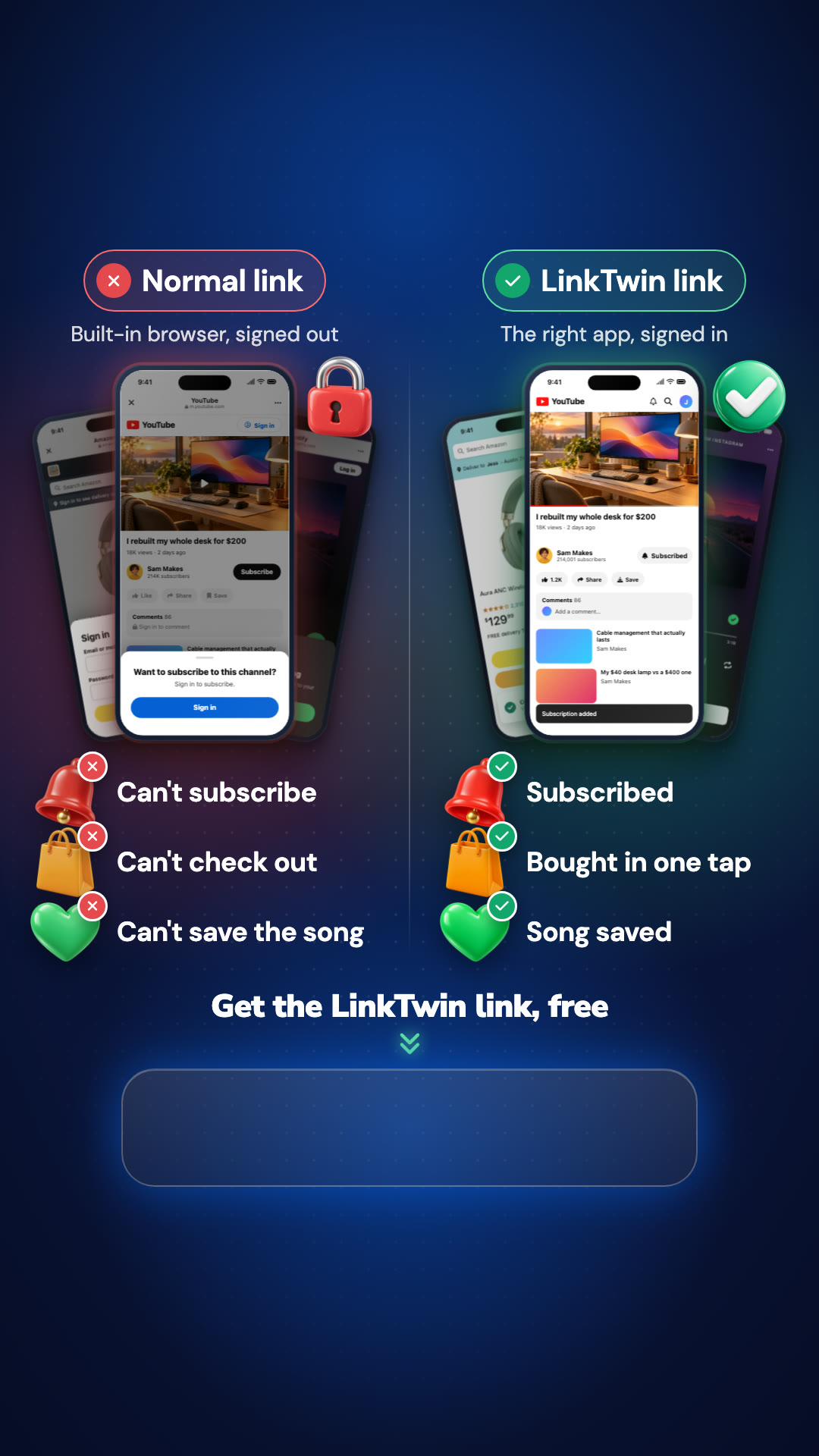
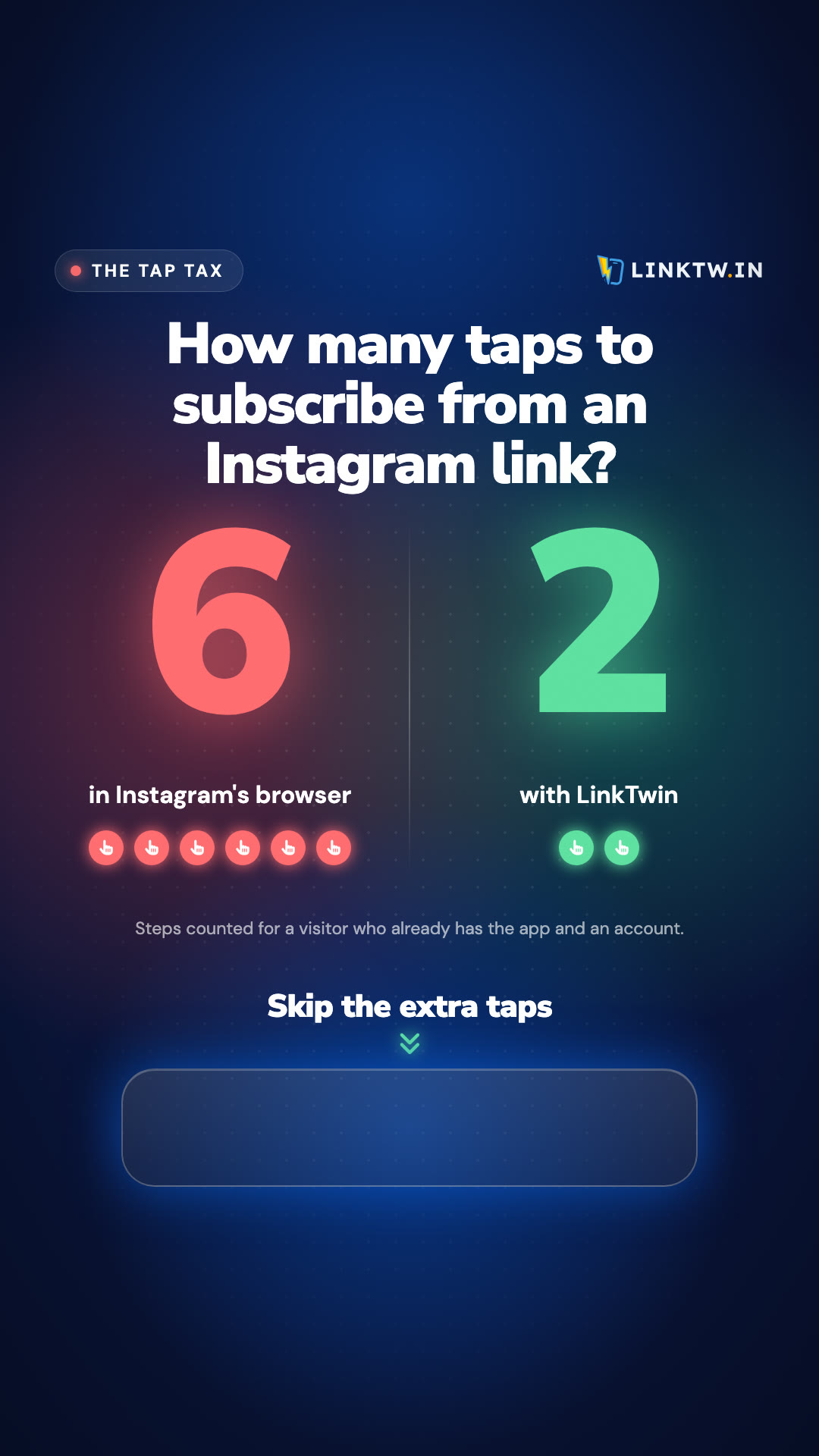
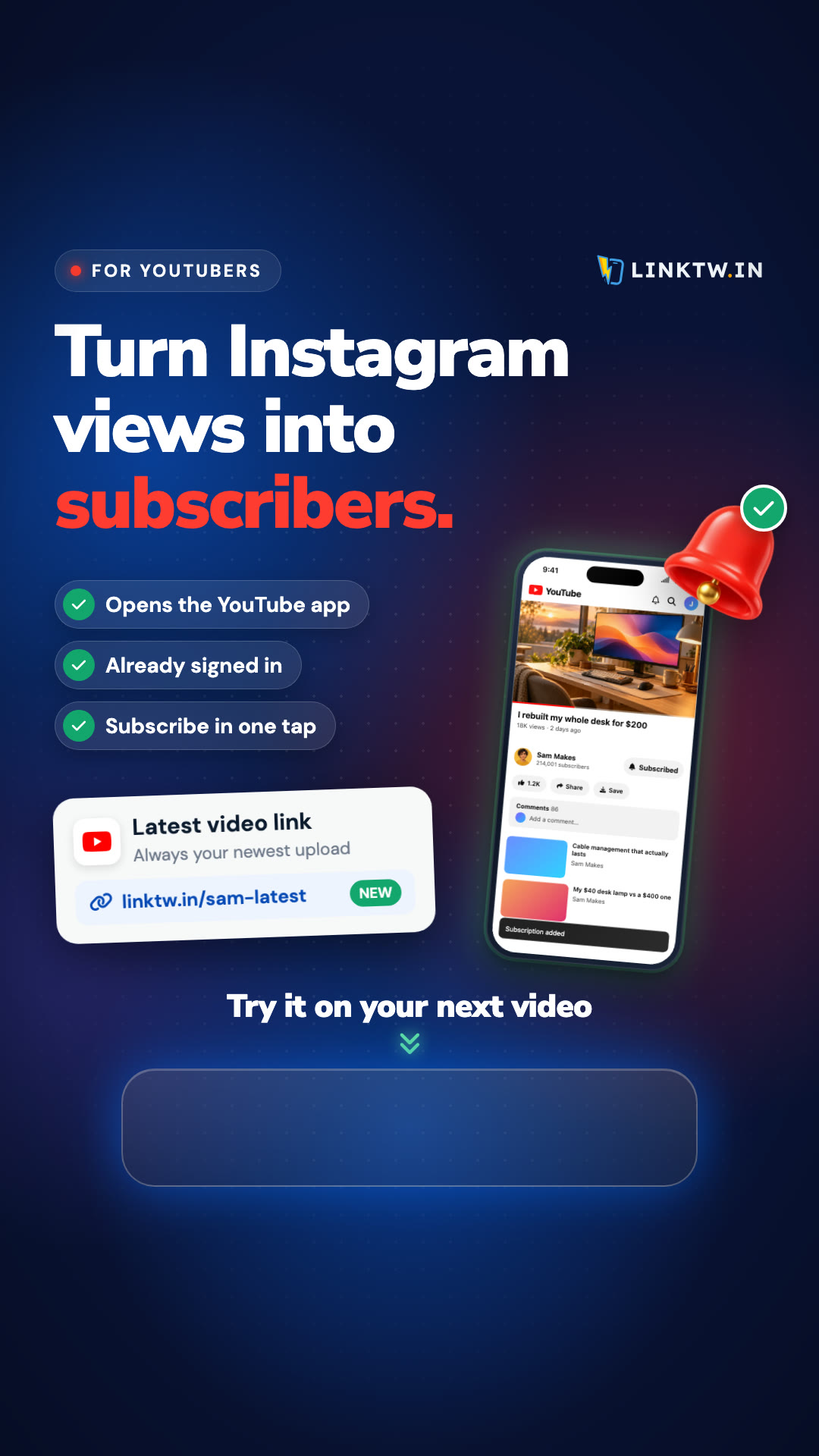
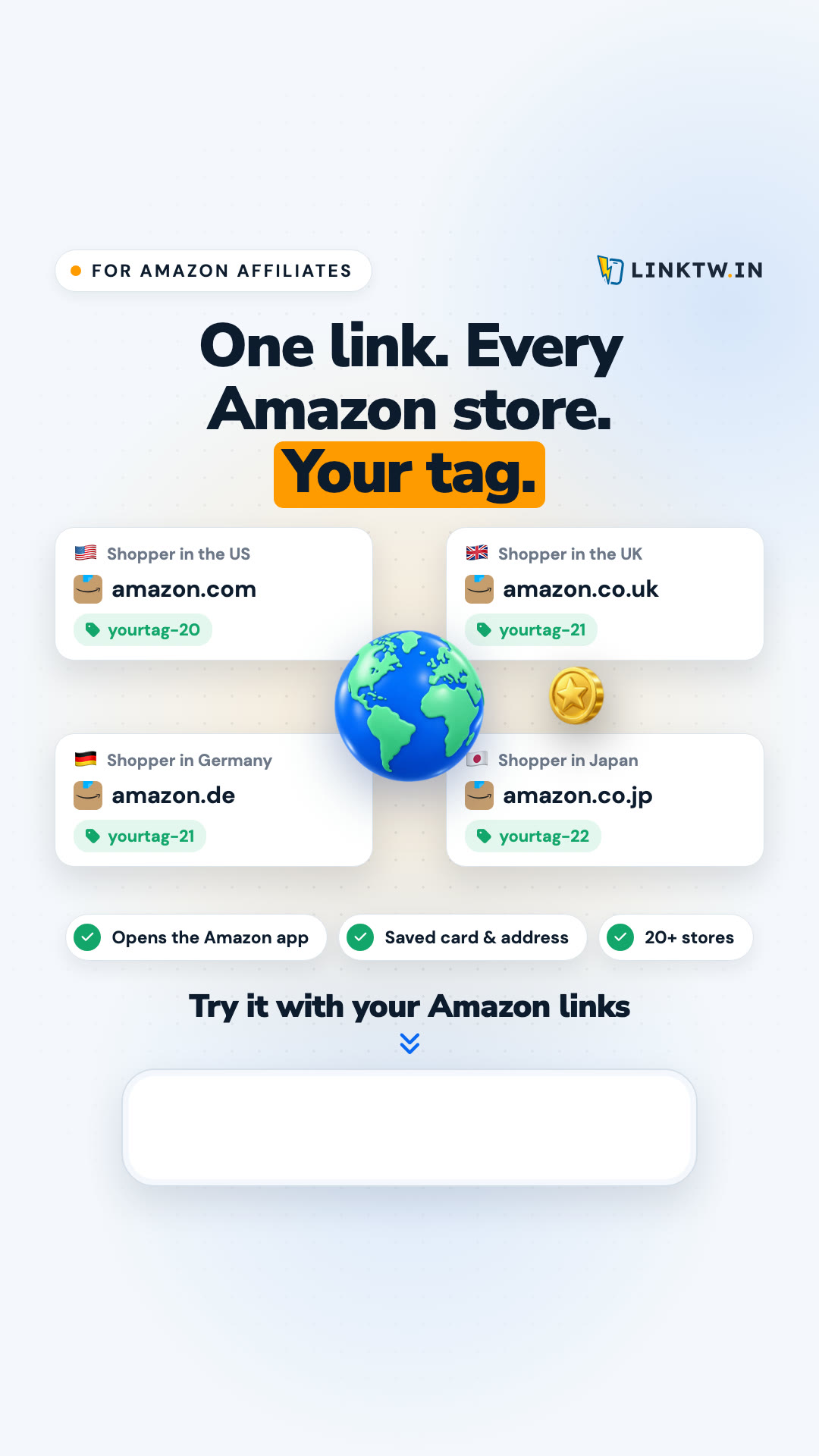
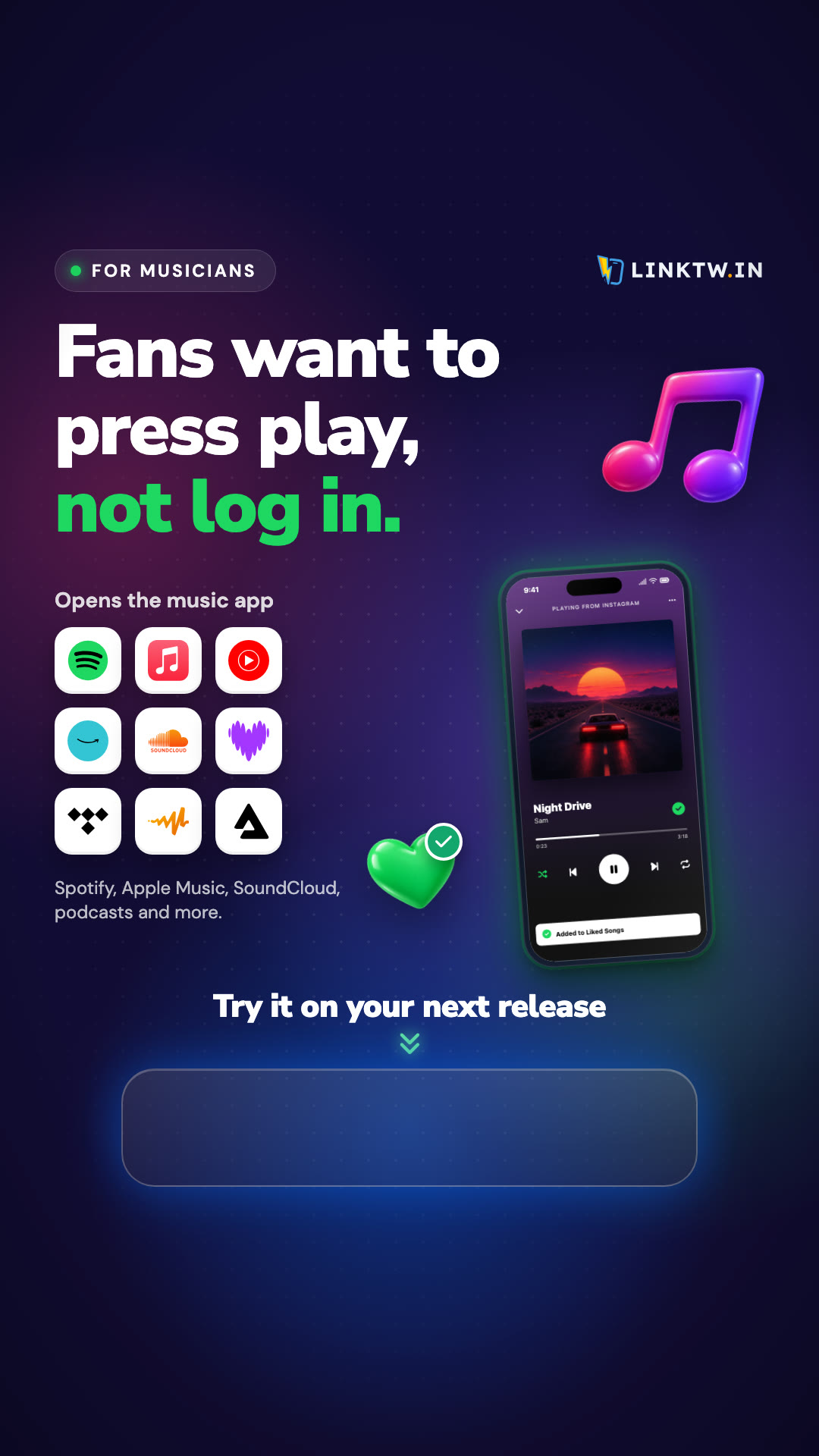
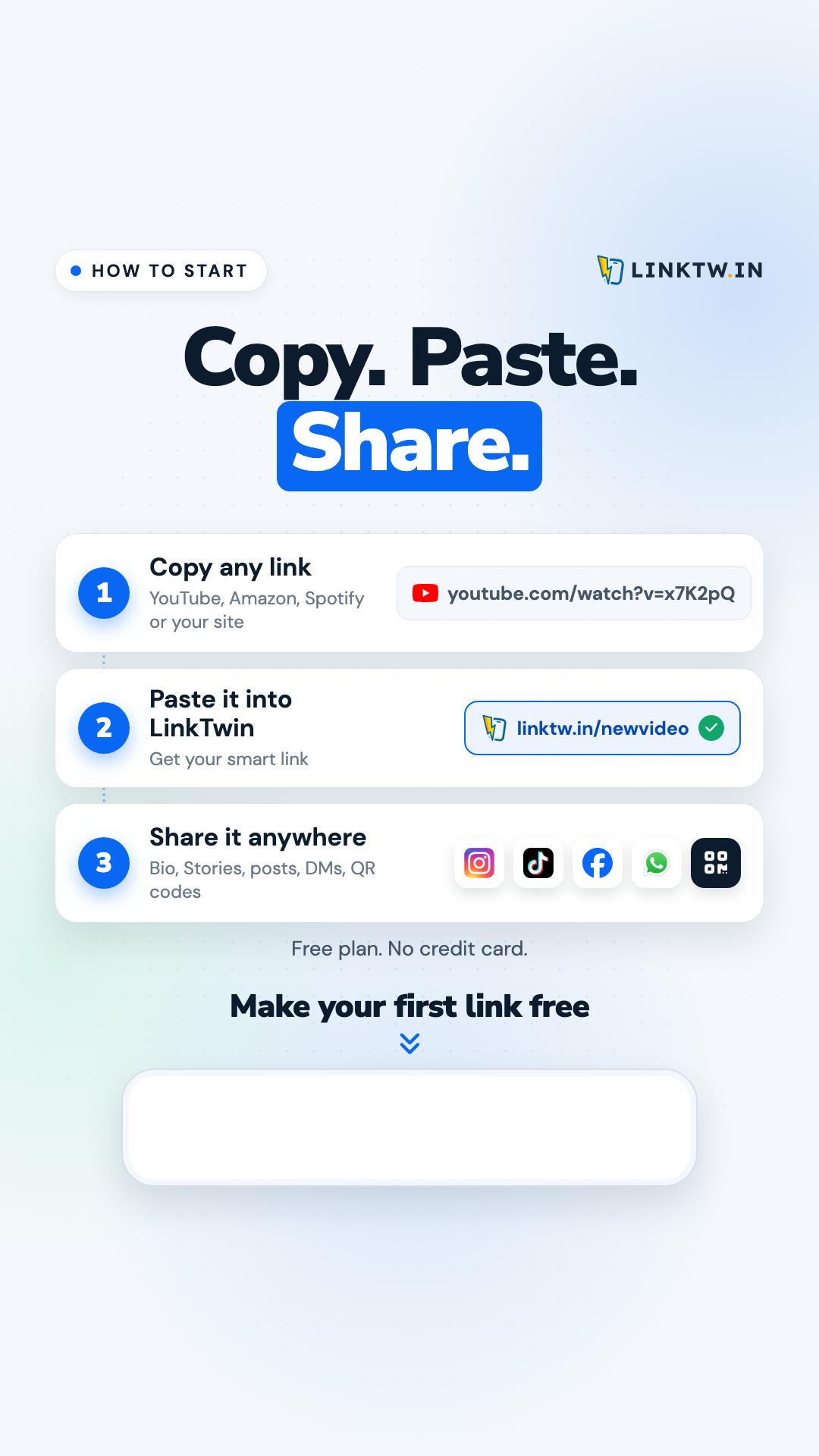
Each image comes in 9:16 for a full-screen Story and in 4:5. Keep the sticker on the marked space: Instagram covers the top and bottom of a Story with its own buttons.
Earning a commission? Add "affiliate link" or #ad to the Story.
Our explainer, made for social feeds. It shows the problem, the fix and how to make a first link. It ends on a clean card, so you can add your own link in the caption.
Please share the video as it is. Trimming it for length is fine. Don't change the words or the claims.
Earn 25% recurring commission on every payment from people you refer, for life. Free to join.
Need another format, a higher resolution or something we don't have here? Contact us


Social posts
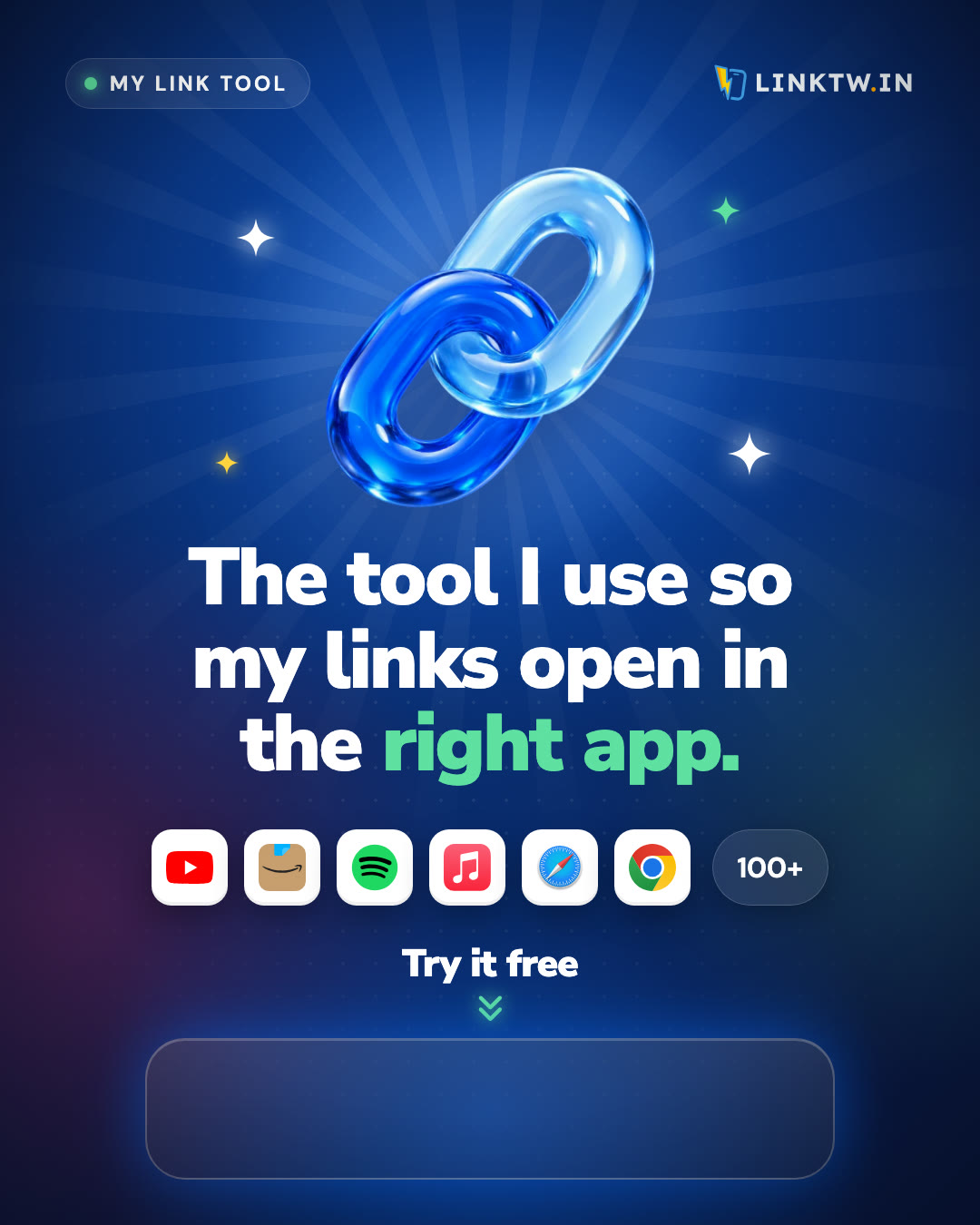
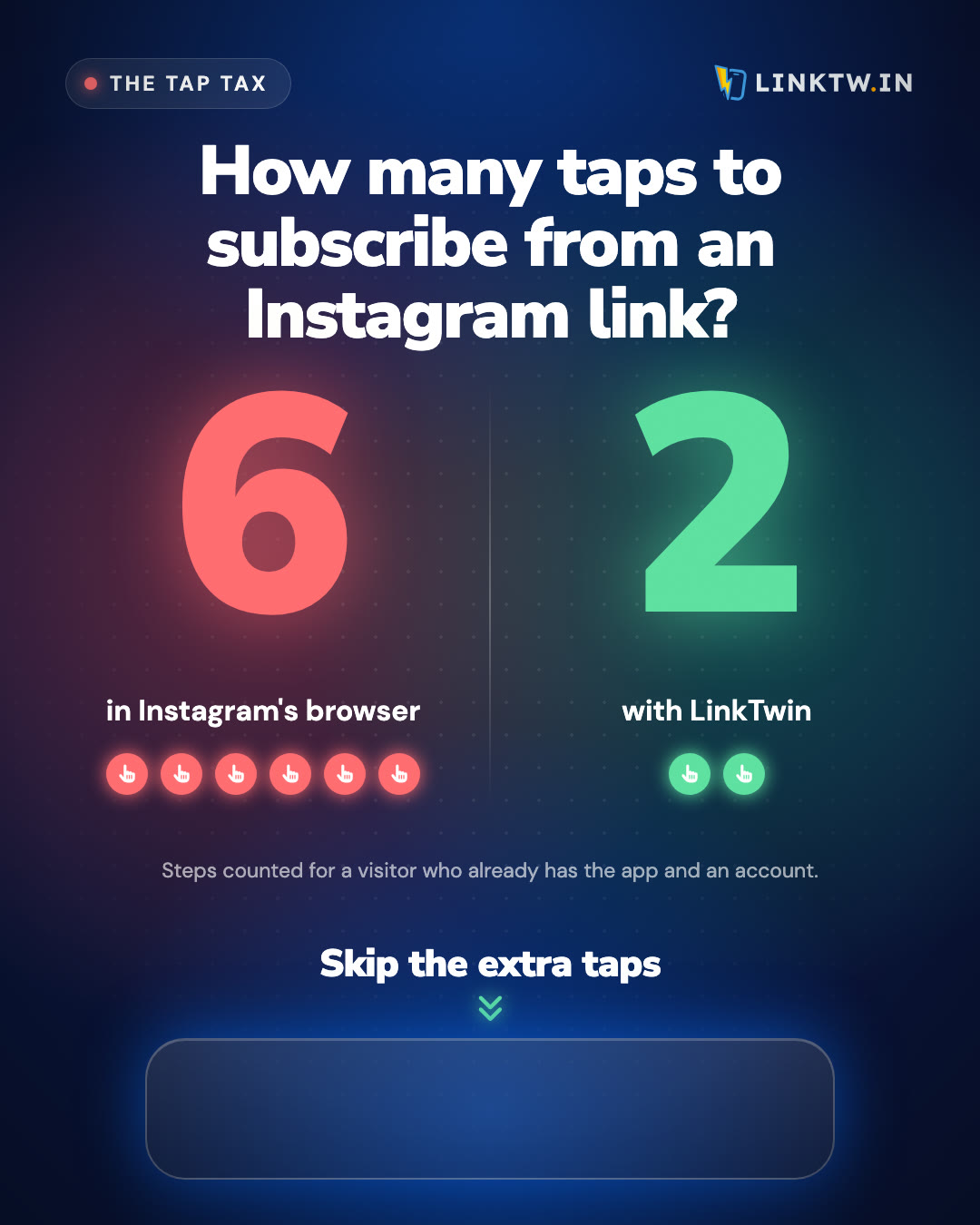
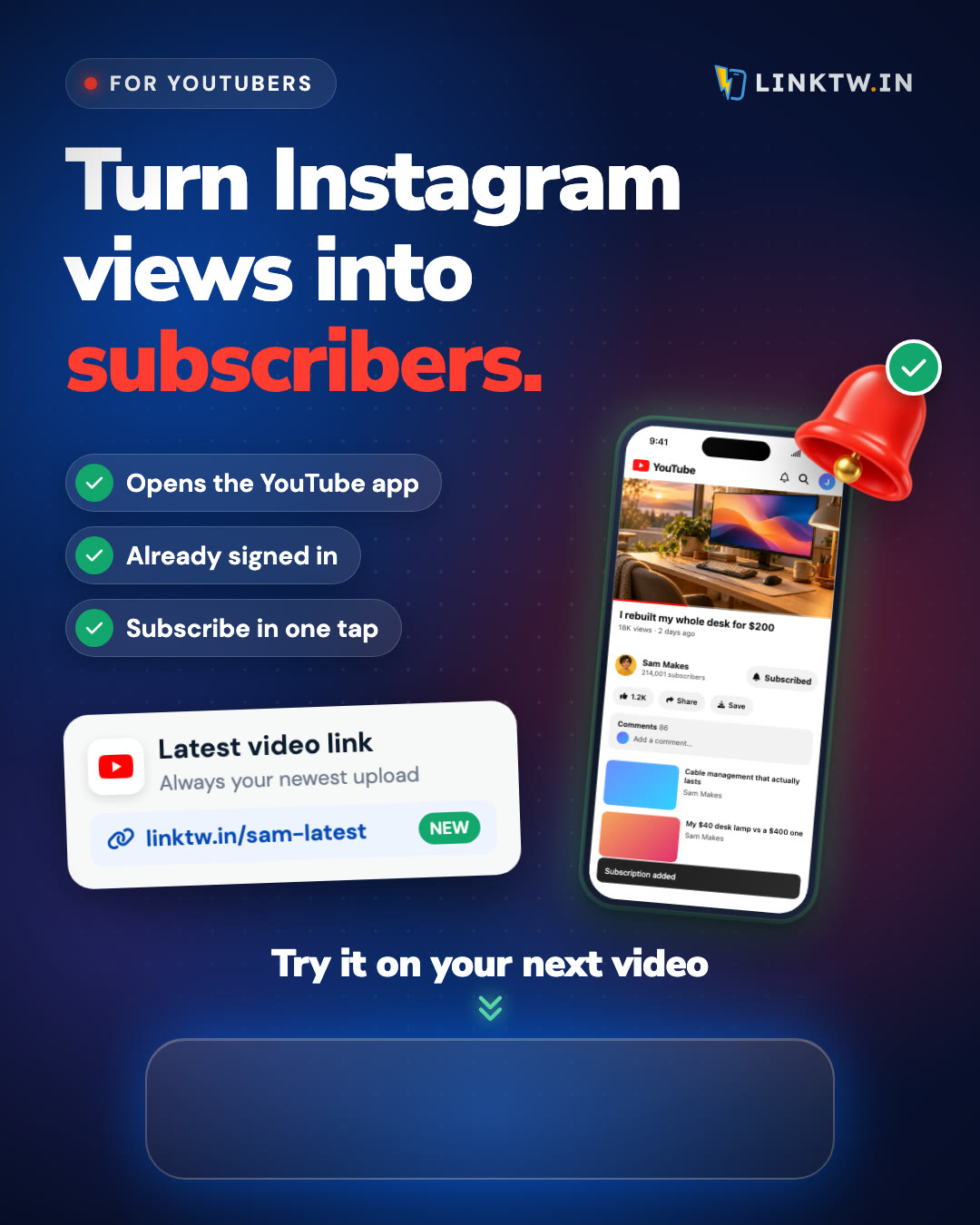
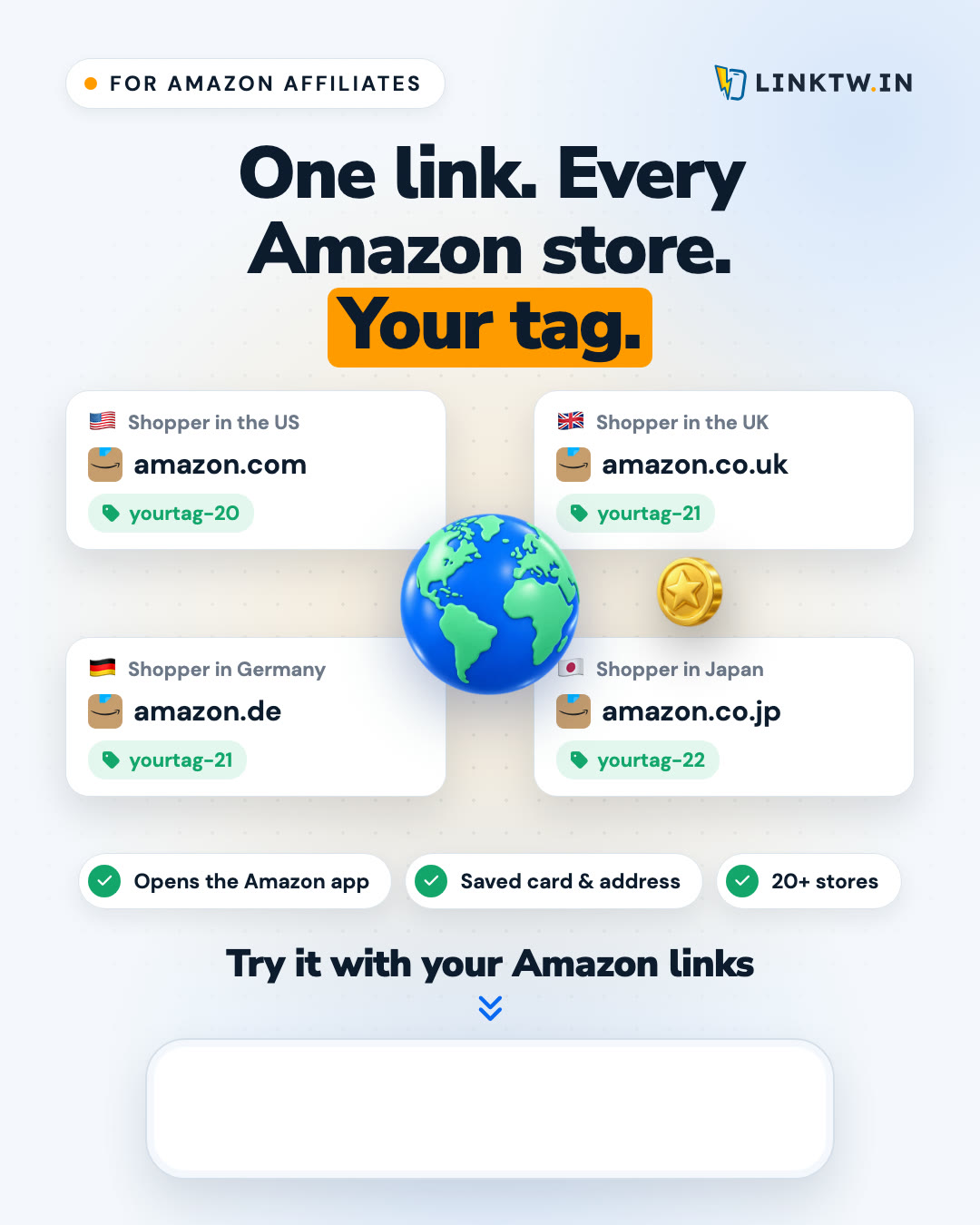
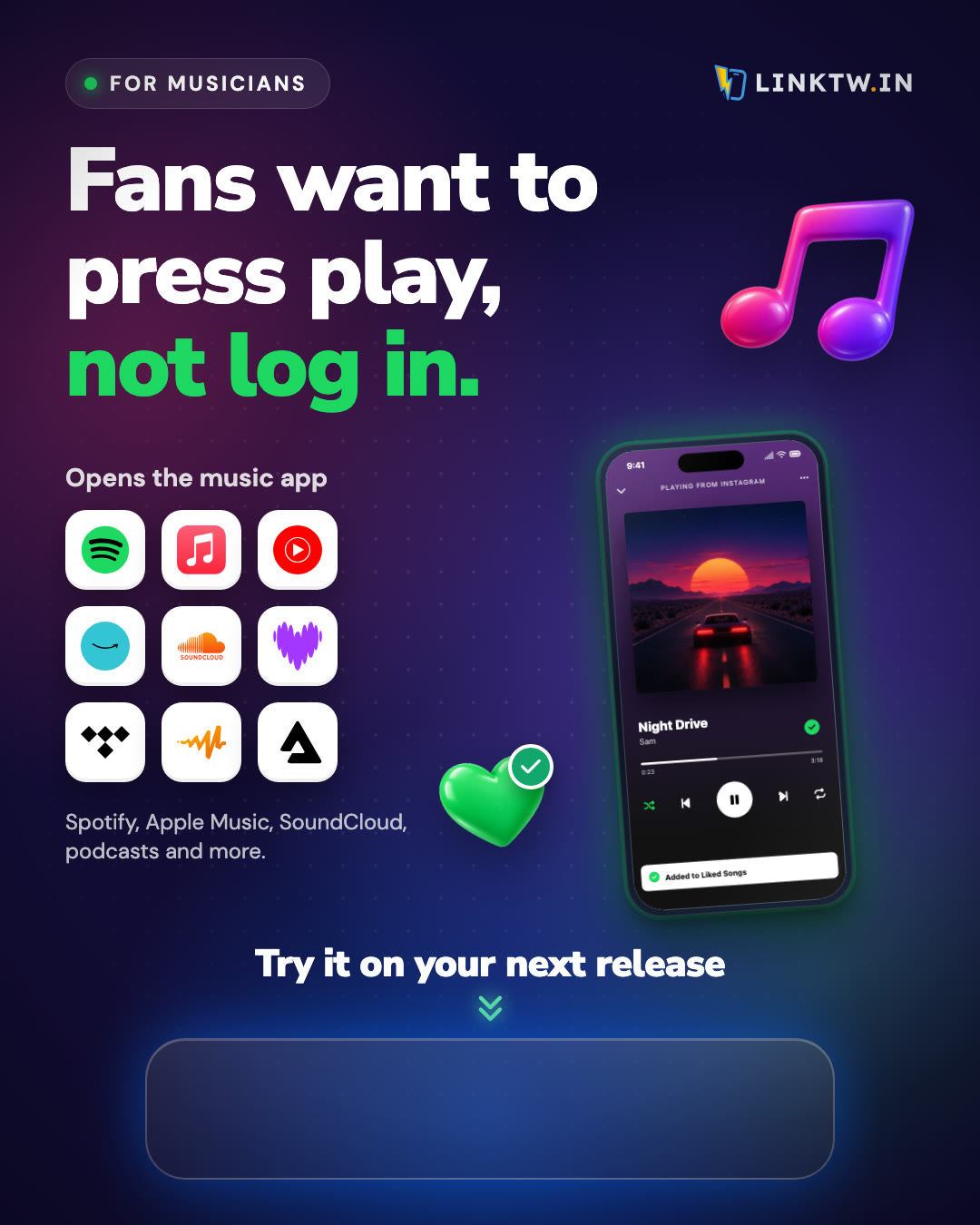
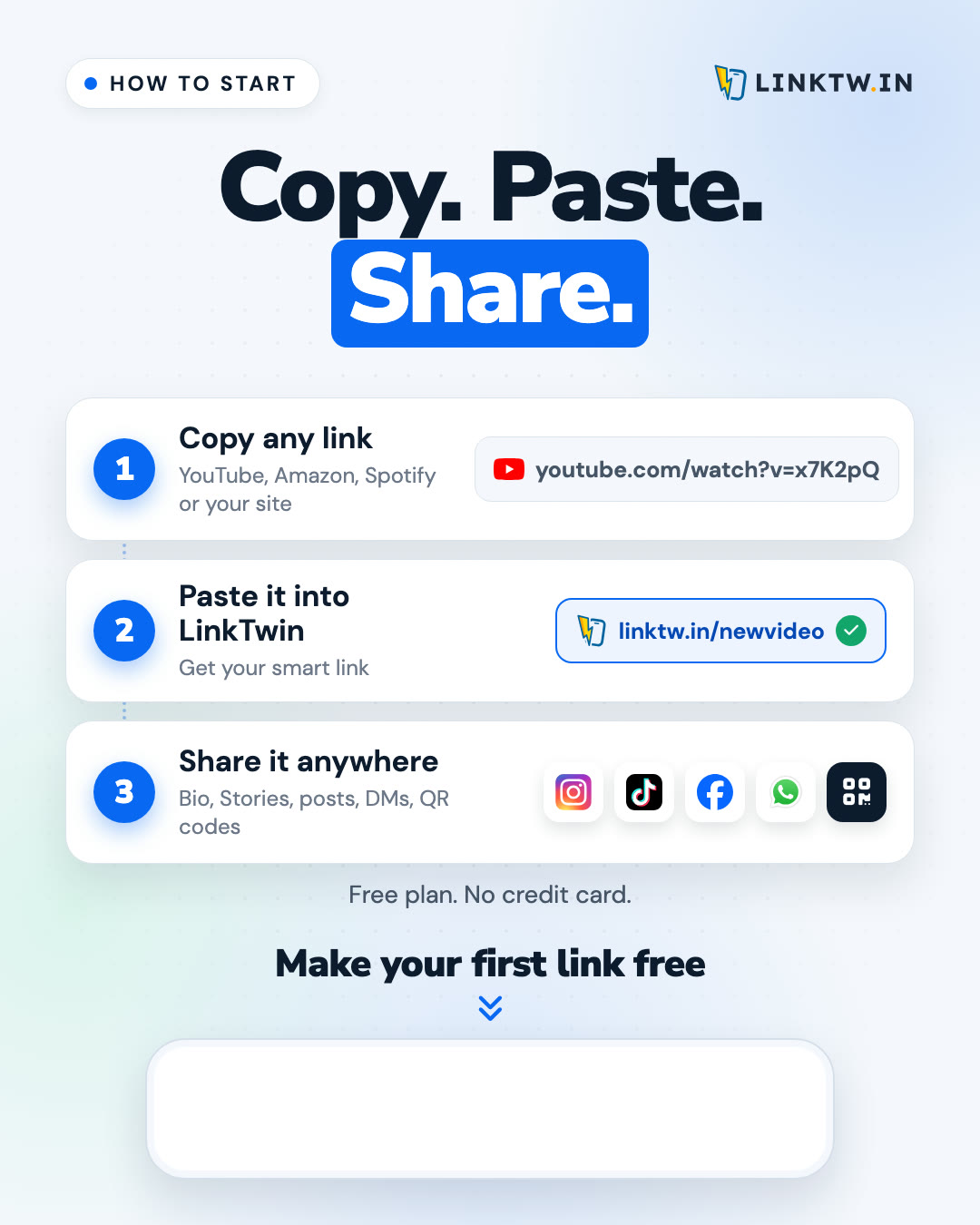
Twelve ready-made 4:5 posts from our own Instagram. Carousels download as a ZIP of slides, in order. The posts say "Link in bio", so put your link there.
Tip: Instagram crops to a square by default. Switch the crop to 4:5 before posting so nothing is cut off.
Captions to start from
Replace [your link] with your own link.
My links used to open inside Instagram's browser, signed out of everything. Now they open straight in the YouTube and Amazon apps with LinkTwin. Free to try, link in bio.
The tool I use so my links open in the right app, not a signed-out browser: [your link]
If your links open inside Instagram's browser, nobody is signed in. LinkTwin opens them in the YouTube, Amazon or Spotify app instead. Free: [your link]
A quick tool tip: when you share a link on social media, it usually opens in a built-in browser where your readers aren't signed in. I use LinkTwin so my links open in the right app (YouTube, Amazon, Spotify and 100+ more). It's free to start: [your link]