

 LinkTwin
A free year of the Small plan
Our plan for content creators, on us for twelve months. That is $168 you keep, at the yearly price.
Compare the plans
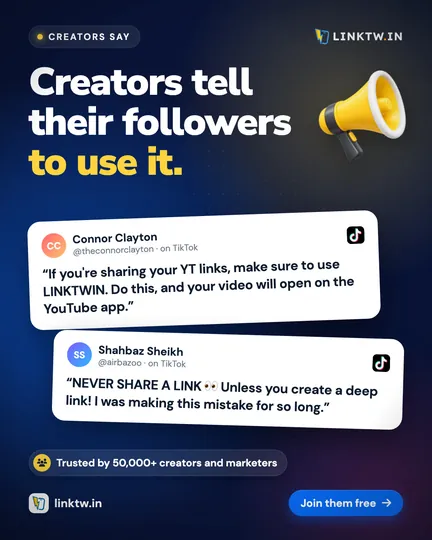
Show your followers how LinkTwin works in a TikTok, Reel or Short. When it passes 10,000 views, your Small plan is free for a year, and your affiliate link keeps earning 25% on every signup it brings.
Four steps, and you can apply before or after you post.
Tell us where you post. It takes two minutes.
Show a real link opening in the YouTube, Amazon or Spotify app instead of the in-app browser.
Put it in your bio or caption. Everyone who signs up through it is yours for life.
Send us the link. We check it and upgrade your account for a year.
A free year of LinkTwin for the video, and commissions from everyone it brings in.
Our plan for content creators, on us for twelve months. That is $168 you keep, at the yearly price.
Compare the plansYour affiliate link keeps earning on every payment from the people it brings in.
How the affiliate program worksAnyone who signs up through your link stays yours, even if they upgrade years later.
Get logos and the explainer videoExample commissions use today's list price. Real amounts depend on the plan your referrals choose.
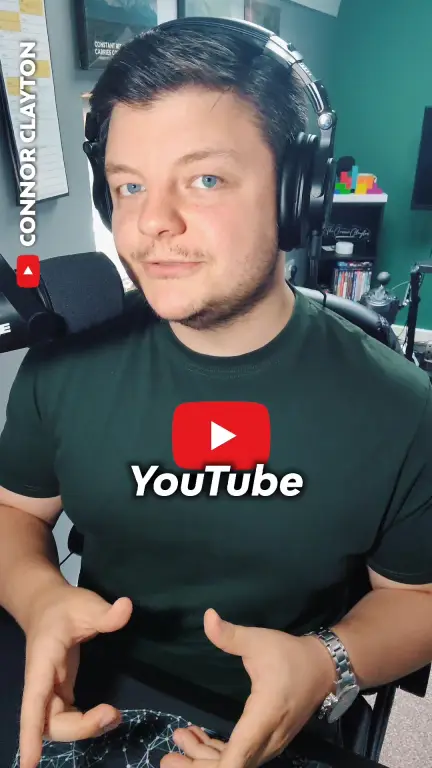
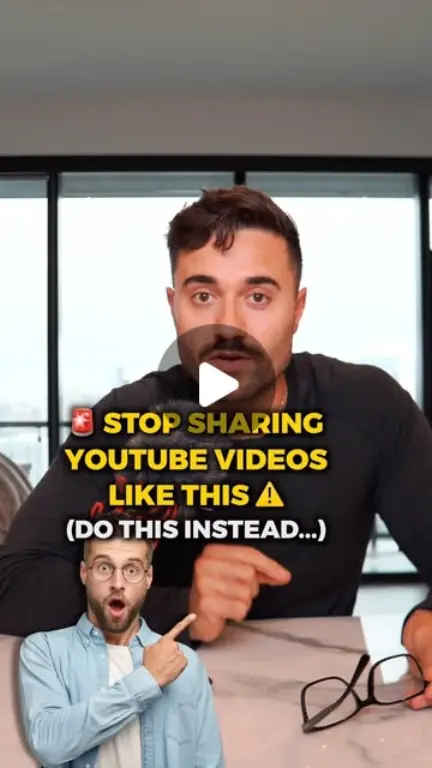
Real videos from creators who recommend LinkTwin. Tap one to watch it here, or open the original.
999K views 60.7K likes Counts update from TikTok on their own.
 TikTok
33K likes 636.1K views
TikTok
33K likes 636.1K views
 Instagram
6K likes
Instagram
6K likes
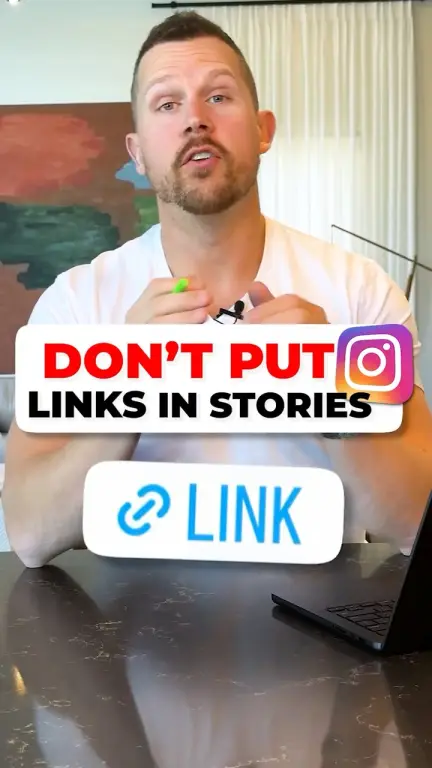
 YouTube Shorts
1.2K likes 79K views
YouTube Shorts
1.2K likes 79K views
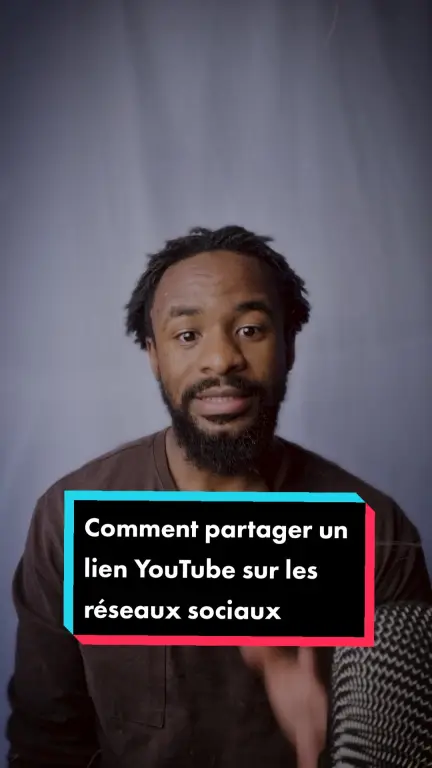 TikTok
16.9K likes 231.3K views
TikTok
16.9K likes 231.3K views
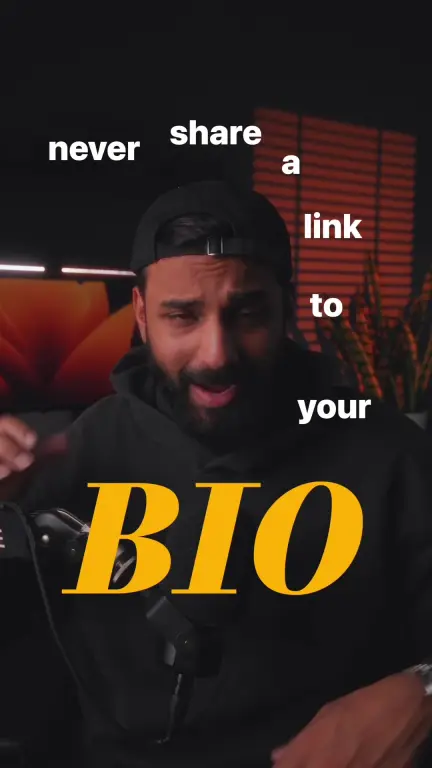 TikTok
2.5K likes 52.6K views
TikTok
2.5K likes 52.6K views
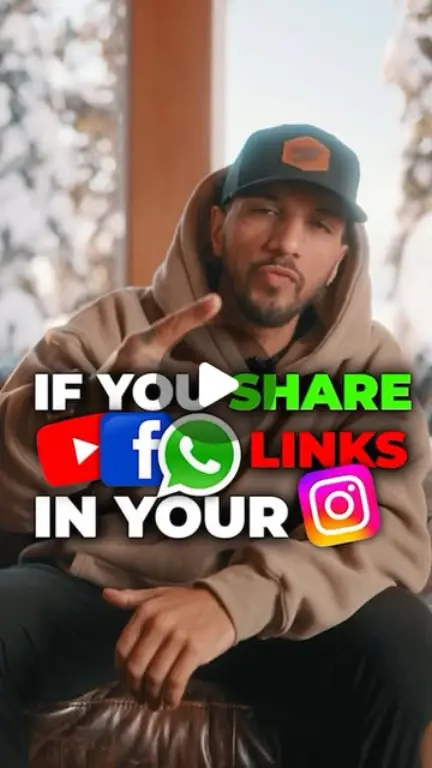 Instagram
1.2K likes
Instagram
1.2K likes
Six formats that work. Each one shows a real link opening in the app, which is the moment your followers need to see.
The brand kit has our explainer video, the logo, ready-to-post images and the words we use to describe LinkTwin. Use them in your video.
Tell us where you post. We reply by email with everything you need.
No LinkTwin account yet? Create one free, then apply with the same email.
We emailed you a copy with the next steps. Once your video passes 10,000 views, reply to that email with the link.
Still wondering about something? Ask us directly.
Yes, a free one. Apply with the email address of your LinkTwin account, so we know which account to upgrade. No account yet? Creating one takes a minute.
TikTok, Instagram and YouTube, including Reels and Shorts. The video has to be public. Posting somewhere else? Tell us in your application.
On one video, as the platform shows them. We also look at likes and comments, so the views have to come from real people.
Yes. The free year and your affiliate earnings are separate. Everyone who signs up through your link is yours for life, and you earn 25% of every payment they make.
Yes. Apply now, post when you are ready, and reply to our confirmation email with the link once your video passes 10,000 views.
Your account goes back to the Free plan unless you decide to subscribe. Nothing renews or charges you automatically.
Apply in two minutes, post when you are ready, and keep earning from your affiliate link.


 Signed in as Jess
 Spotify