
 Amazon & Affiliate Marketing
Yes, a YouTube channel can be the Site you register for Amazon Associates. Amazon's Operating Agreement counts "social media user-generated content" as a Site. In the application, enter your channel address (youtube.com/@yourhandle), not youtube.com. Amazon reviews the application only after you've made three qualified sales, so you start posting links before anyone looks at the channel.
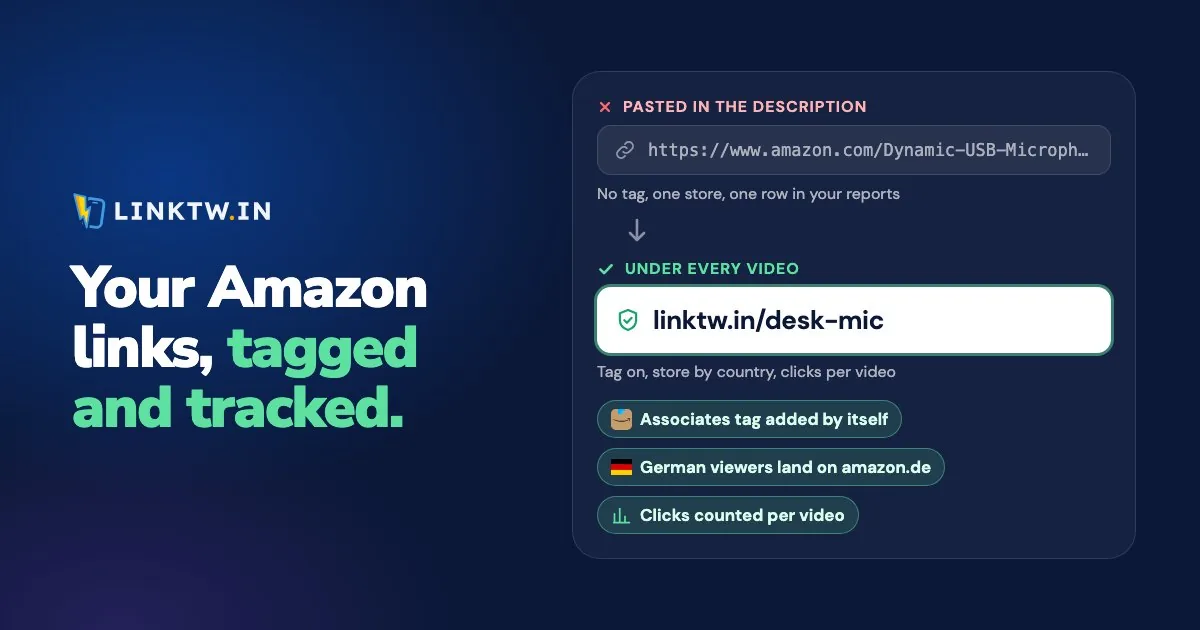
LinkTwin turns each product you show into one short link for the description: it adds your Associates tag, sends a viewer abroad to their own Amazon store with your tag for that store, and gives each video's link its own click count. Amazon affiliate links that open the app shows that tap from the viewer's side.
The 180-day review
Amazon's application review page waits for sales before anyone looks at your channel:
After you sign up, our Associates team will check your application once you’ve driven qualified sales (we require at least three within the first 180 days).
Personal orders don't count, and the Program Policies rule out asking friends and relatives to buy through your links. If 180 days pass without enough qualifying sales, Amazon's dormancy page says the application "can be withdrawn", and you're welcome to reapply once the channel is established. So apply when a video can already send a buyer, not the week the channel goes live.
The same review page looks for an established account: "a substantive number of organic followers/likes (in most cases, at least 500)", a follower count that isn't hidden, and enough original content, with at least 10 posts as its rule of thumb. On a channel, that means public videos.
Already an Associate? Add the channel
You don't need a second account for description links. Add the channel under Account Settings, then Edit your website list (Amazon's steps), using the same youtube.com/@yourhandle address.
Associates runs store by store, each with its own sign-up (Amazon's list of programs), so a tag from amazon.com earns nothing on amazon.de. Join the stores your viewers actually buy from, then save each tag in LinkTwin once.
YouTube Shopping tags are a separate program
Since August 2026, YouTube has let channels tag Amazon products through YouTube Shopping. As of November 2026, YouTube's help page opens it to Partner Program channels in YouTube Shopping's affiliate program in nine countries. Before you can tag, the channel has to be linked to your Amazon Associates or Influencer account, and only one channel per Amazon account can tag. It pays differently from the links you type:
| Associates link in the description | YouTube Shopping tag | |
|---|---|---|
| Who pays you | Amazon | YouTube, through AdSense |
| What you can see | Amazon's reports per tracking ID, and clicks per video on a LinkTwin link | Daily totals of revenue, clicks and sales, not which video or product sold |
| Viewers in other countries | Their own Amazon store with your tag, through LinkTwin's geolocation | A local offer when YouTube finds one, otherwise the US store or the viewer's local store |
The description link is the one you can trace to a video, which is why a link per video is still worth making on a channel that also tags.
Put your tag on the link viewers tap
Description and comment links on long videos are clickable once your channel has advanced features turned on, and links in Shorts descriptions and comments aren't (YouTube Help), so a Short should point to the long video that carries the links. Amazon also asks for its disclosure sentence, "As an Amazon Associate I earn from qualifying purchases", and affiliate disclosure for creators shows where it goes on a channel and how to say it on camera.
Gear from this video (I earn a commission if you buy through these links):
Tripod on Amazon: linktw.in/travel-tripod
Light on Amazon: linktw.in/key-light

As an Amazon Associate I earn from qualifying purchases.- Save your tags. In Amazon Settings, add your Associates tag for each Amazon store you've joined, with Auto-Geolocation on. If the URL you paste already carries a tag you want to keep, such as a per-video tracking ID, also turn on Keep tags already on a link.
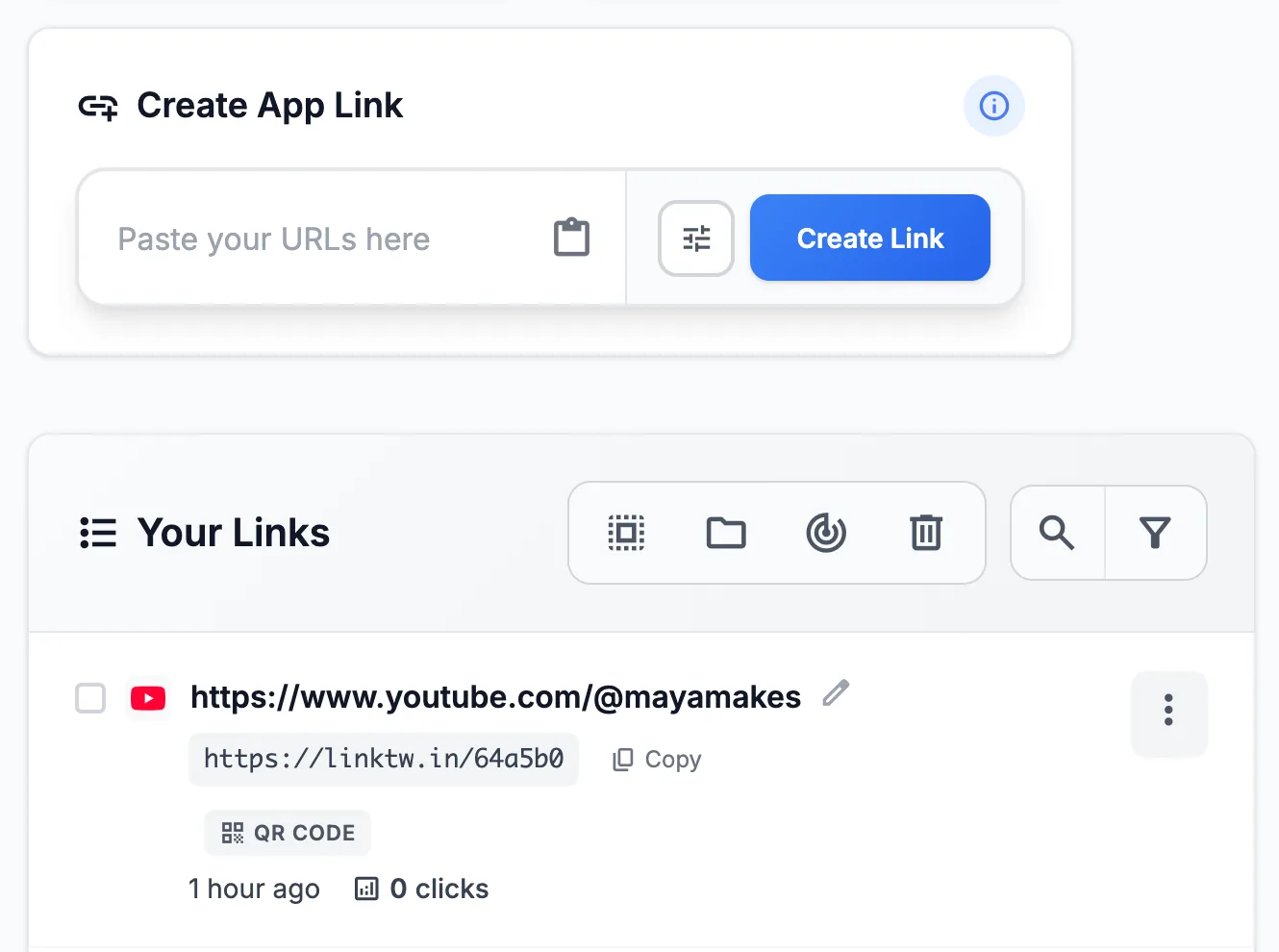
- Make the link. Paste the product URL into the Create App Link box. amazon.com, amzn.to and a.co links all work. Or use the browser extension on the product page. Custom endings like travel-tripod are available from the Medium plan.
- Place it under the disclosure, with "on Amazon" in the label. A second link for the pinned comment (
travel-tripod-pin) shows which spot gets the taps. - Read the clicks. Add a
+to the end of your short link (linktw.in/travel-tripod+) to open its stats. LinkTwin counts clicks, not sales, so orders stay in your Associates reports. Tracking affiliate clicks per video lines the two up.
Automatic geolocation covers 23 Amazon stores. Without it, an amazon.com link sends a viewer in Berlin to amazon.com, and if they buy on amazon.de instead, your tag isn't on that order. Amazon links for an international audience compares it with Amazon's own OneLink.
The same link works beyond YouTube. From an Instagram bio or Story it opens the Amazon app, where your follower is usually already signed in, and Amazon's 24-hour cookie explains what gets credited after that tap.
It's free to start: the free plan includes 10 links and 500 clicks a month.
Common questions
Can one Associates account cover two channels?
For description links, yes: add the second channel to your website list. For YouTube Shopping tags, no. YouTube's help page says only one channel per Amazon account can tag Amazon products.
What if a viewer doesn't have the Amazon app?
The product opens on Amazon's website in their browser, with your tag still on the link. Viewers don't install anything, and they don't sign in to LinkTwin.