
 Instagram, TikTok & In-App Browsers
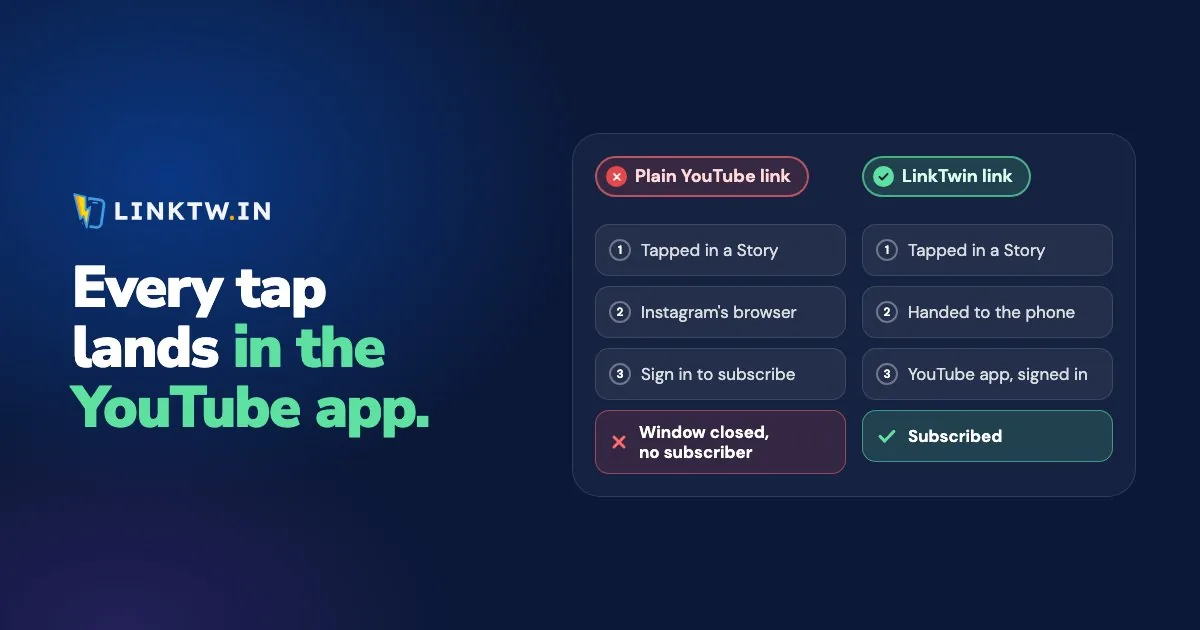
If the YouTube link you posted on Instagram opens the website instead of the app, Instagram is the reason: it loads links in its own browser, so the tap never reaches YouTube. Instagram's help page says links in posts, ads, Stories and messages open in that browser by default, and Facebook and TikTok work the same way.
Picture the Story you posted for your new video. A follower taps the sticker, the video plays in a small window inside Instagram, and Subscribe and Like ask for a sign-in. Few people will sign in for a channel they just found, so you get the view and lose the subscriber. Reinstalling Instagram or YouTube won't change the next tap, and nothing on your channel is broken.
A LinkTwin link opens the YouTube app from an Instagram Story, where your viewer is already signed in. Paste the video, Short, channel or playlist address into LinkTwin, post the short link (like linktw.in/new-video) instead, and the same tap lands on the video in the app, with a Subscribe button that works. YouTube links that open the app is where that link starts.
If YouTube links also open Safari or Chrome on your own phone from texts and email, that's a phone setting, at the end of this page.
What a LinkTwin link does with a YouTube tap
From Instagram and Threads, a LinkTwin link opens the YouTube app straight from the tap, whether it sits in your bio, a Story, a post or a DM. Texts, email and QR codes have no in-app browser in the way, so the app opens from there too. If YouTube isn't installed, the viewer gets the video on YouTube's website instead.
When the Story is about subscribers rather than one video, link your channel: the app opens on your channel page, with the Subscribe button right there. What a YouTube subscribe link does on a phone explains why that beats the subscribe address people build for computers.
Facebook and X behave differently on iPhone and Android, and how in-app browsers work in each app has the full table. If you post the link on TikTok too, no link leaves TikTok's browser on its own, and why TikTok links stay in TikTok shows the setting to switch on and what your viewers see there.
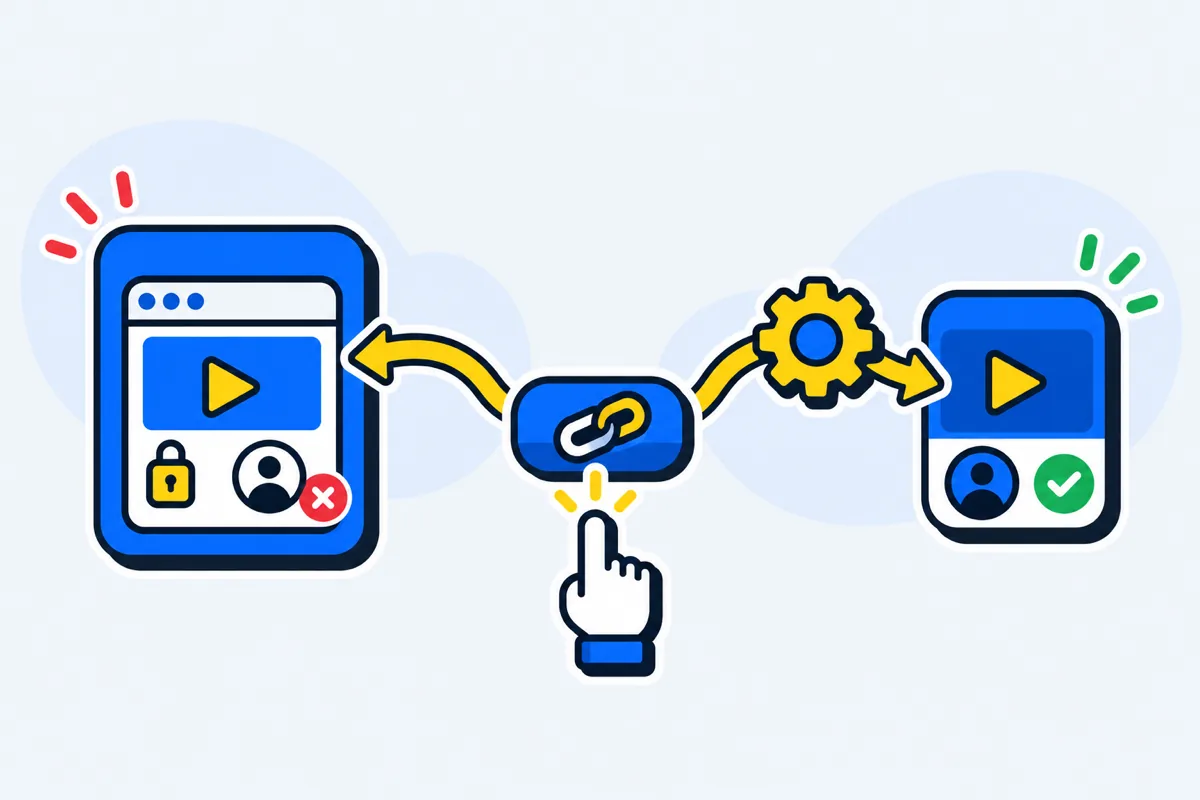
Your followers don't install LinkTwin, and they don't change a setting. LinkTwin counts the click. Subscribers and watch time stay in YouTube Analytics, because LinkTwin doesn't see what happens after the app opens. The YouTube links for Instagram page shows a plain link and a LinkTwin link on the same tap.
Post the link and test the tap
- In the YouTube app, tap Share, then Copy link. Videos, Shorts, channels, playlists and live streams all work.
- Paste that address into the Create App Link box on your LinkTwin dashboard and copy the short link.
- Put it where the tap happens: your Instagram bio, a Story sticker, a Facebook post, a text or an email.
- On a phone with YouTube installed, tap the short link from inside the app where you posted it. Then open the click report for clicks over time, country, device, browser and referrer. Adding
+to the end of your short link, as inlinktw.in/new-video+, opens that link's stats page.
It's free to start: the free plan includes 10 links and 500 clicks a month.
A custom ending such as linktw.in/your-channel is available from the Medium plan.
Getting the tap to open the app is half the job. Promoting your YouTube channel on Instagram is about the other half: what to post so people tap in the first place.
When YouTube opens in Safari or Chrome on your own phone
On iPhone, press and hold a YouTube link in Notes and choose to open it in YouTube, and iOS remembers that choice. On Android, turn on Open supported links under Settings, Apps, YouTube, Open by default.
Common questions
Why does my plain YouTube link open the app for me but not for followers?
You probably tapped it outside Instagram, in Notes or a text message, where the phone hands the address to YouTube. Inside Instagram's browser it never gets that chance. Test your link from inside the app where you posted it, the way your followers will tap it.