
 Tracking & Analytics
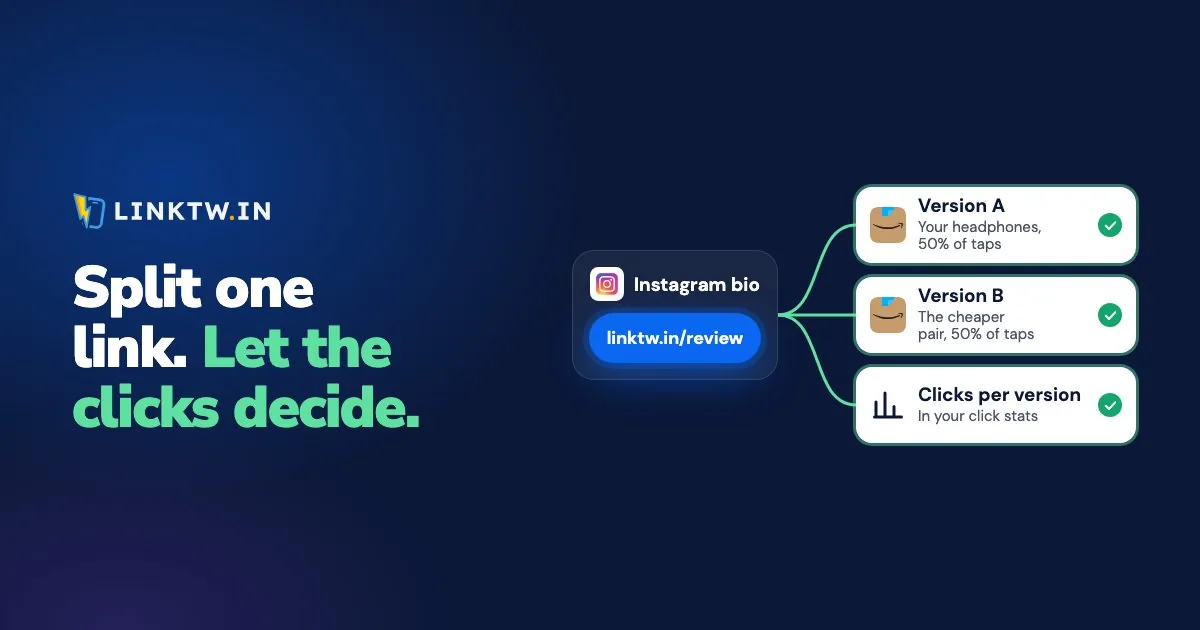
To A/B test a link, keep one short link and let it send each tap to version A or version B in the shares you choose. A split test and a link rotator are the same idea. It's the fair way to compare two pages, because the same post and the same audience feed both versions, and only the destination changes.
A LinkTwin link with A/B Testing switched on sends each tap to one of your destinations in the shares you set, and its click report shows how many taps each version got. You can run a 50/50 test, rotate traffic across three offers, or send a small share to something new. It stays an app link while it splits: from an Instagram bio or Story, a YouTube, Amazon or Spotify destination still opens in its app, where your follower is signed in. A/B Testing is available on every plan.
Posting two different links doesn't run this test. Two posts reach different people at different times, so a gap in taps can be the audience, not the page. One link holds the crowd still.
Set the split on one link
- Start with a new link. Paste version A's URL into the Create App Link box and select Create Link. Use a new link for every test: the report adds up every click a short link has ever had, and an older link would pour that history into version A.
- Add version B. On the link's edit page, open Advanced Features, switch on A/B Testing, select Add Variant, paste version B's URL and type its share, such as 50. The Main URL row keeps whatever share you didn't assign.
- Save, post, and stop editing. Select Update Link and put the short link where your old one was. Don't touch the shares, the destinations or the targeting until you reach your click target.
- Read the split. The link's click analytics show an A/B Testing Split card with each destination's clicks and share. What each version sold or signed up lives in the destination's own report, because LinkTwin counts taps, not sales.
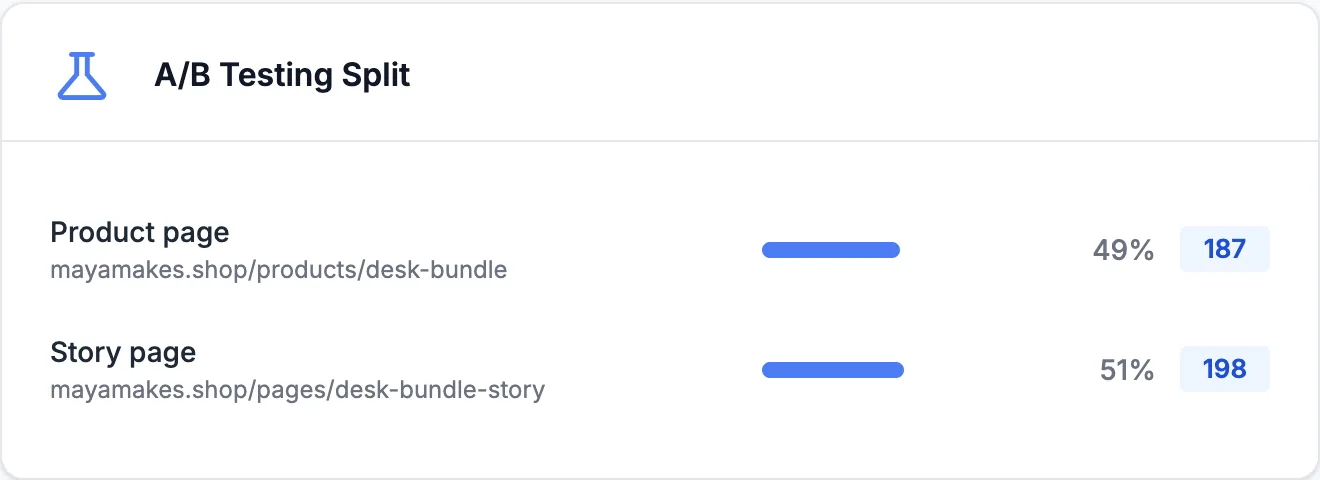
Every tap is drawn again from the shares you saved, so someone who taps twice can see both versions, and the split never lands on exact halves. With 1,000 clicks at 50/50, anything from about 470 to 530 on one side is normal. A much wider gap usually means the shares were changed mid-test.
How many clicks you need
There's no flat number like 1,000 clicks. What you need depends on the rate you have now and the smallest improvement worth finding. These are clicks per version for a 50/50 test, worked out with the standard two-proportion formula at 95% confidence and 80% power, the usual settings for a test like this:
| Rate you have now | Smallest change worth finding | Clicks per version, roughly |
|---|---|---|
| 2% | 2% to 3% | 3,800 |
| 5% | 5% to 7% | 2,200 |
| 5% | 5% to 6% | 8,200 |
| 20% | 20% to 25% | 1,100 |
The rule of thumb behind it: halve the improvement you're looking for and the clicks you need roughly multiply by four. At a 5% rate, looking for a rise to 6% instead of 7% takes the count from about 2,200 to 8,200 per version, while a bigger change needs far fewer. Then turn the target into days. 2,200 per version is 4,400 taps, about a month at 150 taps a day. If that's longer than you want to wait, test a bigger change.
A lead before that point means little. Say each version got 400 clicks, A made 20 sales (5%) and B made 28 (7%). B looks 40% better, yet a gap that size shows up about one time in four when both pages convert exactly the same. That test needed about 2,200 clicks per version, so at 400 it hasn't told you anything yet. Pick the click count first and don't stop the first time one version pulls ahead.
What one link can test
A split changes what happens after the tap. Everyone in it already chose to tap, so it answers which destination turns more of those people into buyers, subscribers or sign-ups.
| Question | Setup | Where the answer lives |
|---|---|---|
| Which page or product converts better after the tap? | One link, split across two URLs | Where they land: your shop, your email tool, your Amazon report |
| Which caption or sticker gets more taps? | A separate link for each version, each posted on its own | Clicks on each link next to that post's views. A hint, not proof, since the posts reach different people |
On an affiliate post, the spot, the product's name and the word Amazon next to the link decide a lot of those taps, which is what getting more clicks on Amazon links is about.
Change one thing, and make it big enough to matter: your usual product against a cheaper one, one product against a page that compares three, a short sign-up page against a long one. If the two versions pay you differently, compare earnings per click, not the number of sales. And keep the calendar out of it: a split that runs through a holiday sale like Black Friday is measuring the sale.
Links to your own website or shop are included on every paid plan.
Label each version where people land
If the destination can't tell the versions apart, both results fall into one number and the click split has nothing to compare against. On your own site, put utm_content=version-a on one URL and utm_content=version-b on the other, and your analytics will list them side by side.
Leave country, device and language targeting off the link while the test runs. A targeting rule is applied after the split and can send a visitor somewhere other than the version it picked.
End the test
When you reach your click count, compare the outcomes in the destination's report, then switch A/B Testing off and make the winner the link's destination. The short link you posted keeps working, now pointing at one page. Changing where a link points after you share it is included on every paid plan. For the next test, start a new link so its numbers begin at zero, and how to track link clicks shows what else the report records for each tap.
Common questions
Should the split be 50/50?
For a test, yes. An even split needs the fewest clicks in total. At 80/20 you need roughly half again as many, and most of them go to the version you already know. An uneven split is fine for rotating traffic when you're not after a verdict.
Can I test more than two URLs?
Yes, select Add Variant again. Each version still needs its full count of clicks, so three versions take half again as many clicks in total as two, and the more versions you compare, the likelier one looks better by chance.