
 YouTube Creators
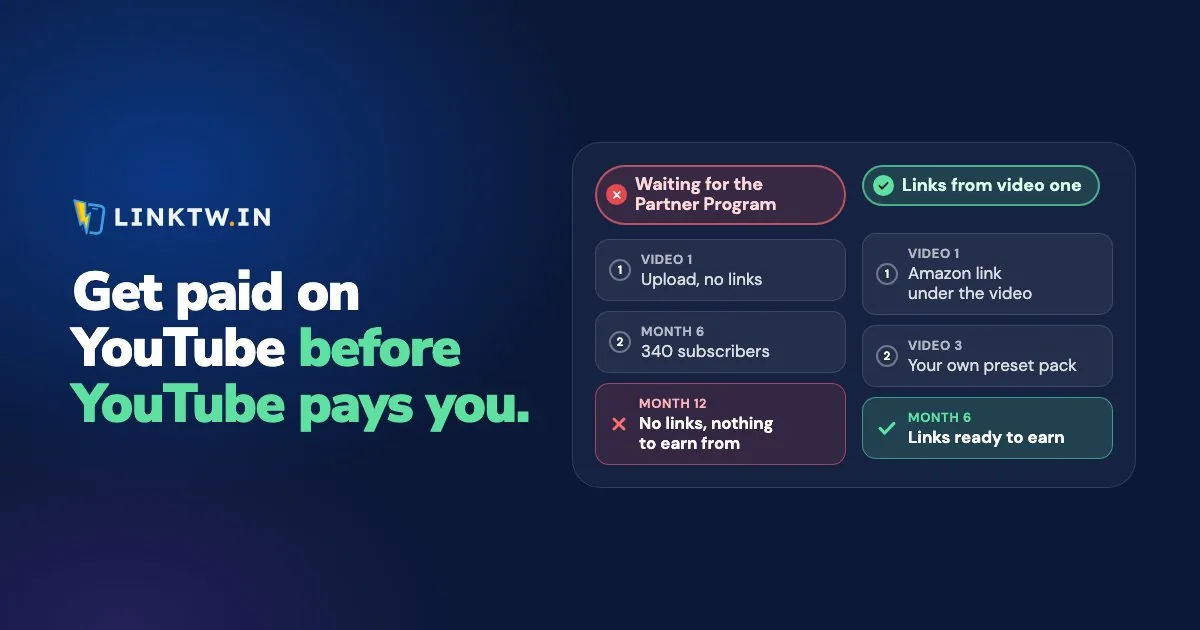
You can make money on YouTube before you're monetized through affiliate links, a product or service of your own, and sponsored videos, and in many countries fan funding opens at 500 subscribers. The first three don't wait for YouTube's approval at all. What they need is a link your viewers can tap, and on a new channel that link is often plain text until you turn on advanced features.
Ad revenue is the part that waits. As of November 2026, YouTube's eligibility page asks for 1,000 subscribers plus either 4,000 watch hours on public long videos in the last 12 months or 10 million Shorts views in the last 90 days. From February 1, 2027, new applicants will need 8,000 qualified watch hours in the last 365 days or 20 million qualified Shorts views in the last 90 days, according to YouTube's August 10, 2026 announcement, while creators already in the program aren't affected and the Help page keeps listing the 4,000 hours and 10 million views above until then.
Meanwhile, a baking channel at 180 subscribers can still earn this month. Under the long video: an Amazon link to the Dutch oven in the shot, a link to a paid recipe booklet on the creator's own site, and a spoken line saying they earn from qualifying purchases. A LinkTwin link carries the Associates tag on that oven link, sends each viewer to their own country's Amazon store, and opens the Amazon app when someone taps it in Instagram, so the same link works under the video, in the bio and on a Story.
Ways to earn before the Partner Program
| Income | Who says yes | What you need on the channel |
|---|---|---|
| Affiliate links | The affiliate program | A link viewers can tap, and a disclosure |
| Your own product or service | Nobody | A link viewers can tap |
| Sponsored videos | The brand | The paid promotion setting on the video |
| Fan funding and YouTube Shopping | YouTube | The Partner Program's first tier, from 500 subscribers where it's offered |
| Ad revenue | YouTube | The Partner Program, from 1,000 subscribers |
Affiliate links
The program is the gate, not a YouTube badge. Amazon Associates asks for a social page with a substantive number of organic followers, "in most cases, at least 500", and then three qualifying sales in your first 180 days before it reviews and keeps the account. Those sales come from links people can tap, which is why advanced features matter before you apply. YouTube's own Shopping affiliate program isn't an earlier door, since it invites channels already in the Partner Program. Amazon Associates for a YouTube channel takes you from the application through that first review.
Your own product or service
A recipe booklet, a preset pack, a coaching call, a membership hosted somewhere else. No affiliate manager approves it and there's no subscriber minimum. The baking channel's booklet doesn't need 1,000 subscribers to be worth buying. It needs a reason in the video and a link that works.
Sponsored videos
The brand decides whether your audience is worth a fee, and plenty of brands pay small channels with the right viewers. YouTube's part is the checkbox: mark the video as a paid promotion in its details whenever it's sponsored (YouTube Help). The pitch email, the price and the report you send back are in how to get your first YouTube sponsor.
Fan funding and Shopping at 500 subscribers
In the countries where YouTube offers its expanded Partner Program, a first tier opens channel memberships, Super Chat, Super Thanks and Shopping earlier: 500 subscribers and 3 public uploads in the last 90 days, plus 3,000 watch hours in the last 12 months or 3 million Shorts views in the last 90 days. You still need the full threshold above for ad revenue.
Make your links clickable first
Advanced features are the switch YouTube uses for clickable links in long-video descriptions. Until it's on, an Amazon URL under your video is text that a few viewers copy and most ignore, and those missed taps are the sales a small channel had a shot at. Channel history can qualify you over time, but verifying your identity turns the features on right away (YouTube's feature eligibility page):
- Open YouTube Studio on a computer.
- Go to Settings, then Channel, then Feature eligibility.
- If advanced features are off, verify with a valid ID or a short video.
You'll need advanced features for the Partner Program anyway. One limit stays after you verify: a URL in a Short's description or comments is never clickable, so a Short points at your long video through its related video, or tells viewers the link is on your channel page. The rest of the spots, from pinned comments to end screens, are on the map of where to put links on YouTube.
The link that earns, under the video and beyond it
Advanced features make a description link clickable. They don't add your Associates tag, they don't send a viewer in Germany to amazon.de, and they don't help when you post the same oven on an Instagram Story, where a plain link opens in Instagram's own browser and the viewer is usually signed out. That's the job of the short link.
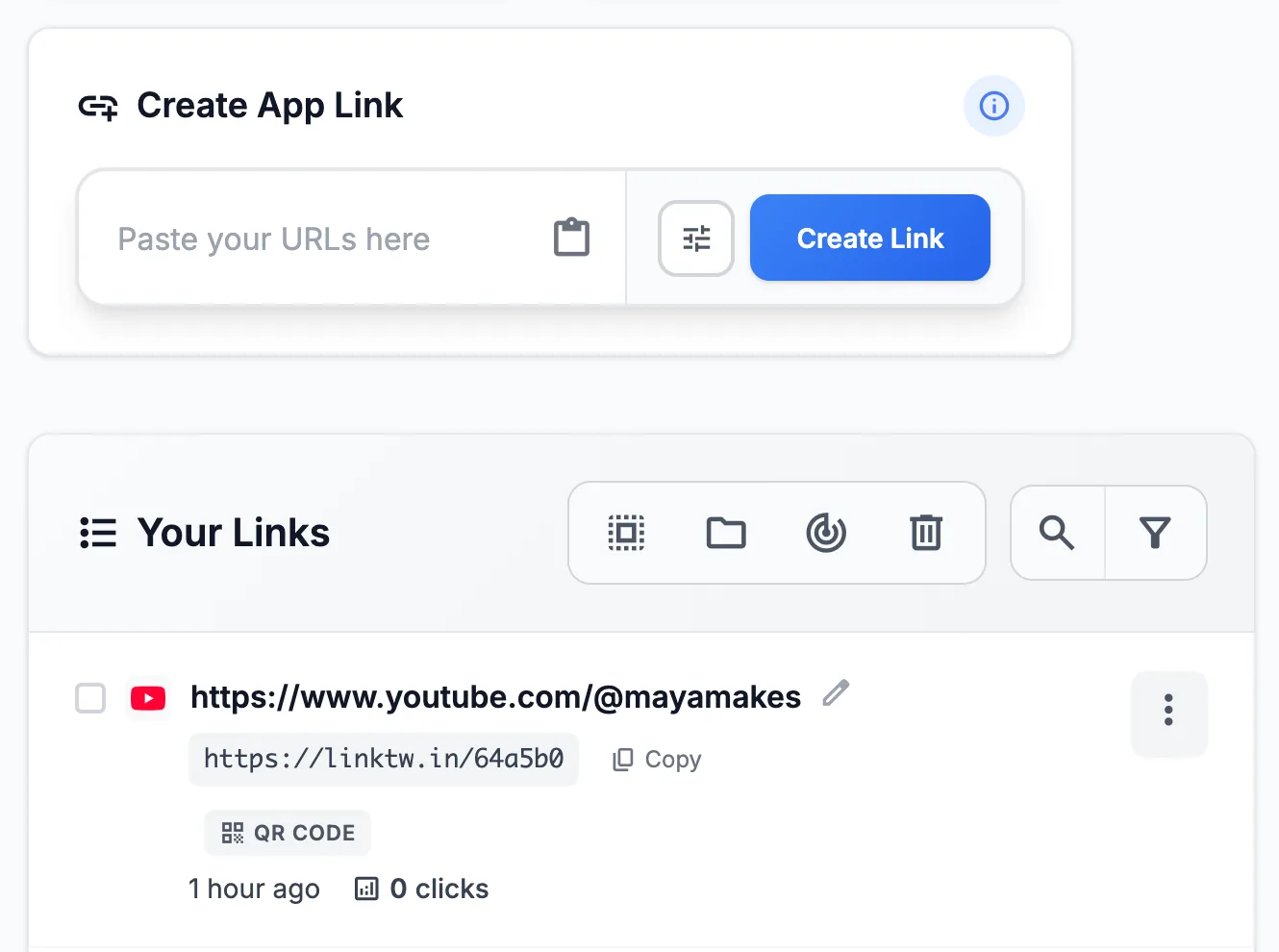
- Paste the Amazon product URL, or your booklet's page, into the Create App Link box in your LinkTwin dashboard. You get a short link on linktw.in. Links to your own website or shop are included on every paid plan.
- If you're an Amazon Associate, save your tracking ID for each Amazon store once, in Amazon Settings. LinkTwin adds it to your Amazon links and sends each shopper to the Amazon store of their country, across 23 stores.
- Put one short link per video near the top of the description, and the same link in your Instagram bio or on a Story. Tapped there, it opens the Amazon app, where your viewer is signed in and can buy without logging in again. A link-in-bio page holds the oven, the booklet and your latest video behind one address.
- After a week, open the click report for taps over time, country, device and the app each tap came from. LinkTwin counts clicks, not sales: your Amazon report shows the orders. A click count per video is still a fair number to put in front of a sponsor.
Whatever a link earns you, say so in the video as well as next to the link, because people skip descriptions. Affiliate disclosure for creators has wording that fits YouTube, Instagram and TikTok.
It's free to start: the free plan includes 10 links and 500 clicks a month.
Common questions
Are affiliate links allowed on a small channel?
Yes. YouTube's external links policy says affiliate content doesn't break its Terms of Use, though excessive affiliate posting from accounts that exist only for it can count as spam. The affiliate program still has its own bar, and the URL stays untappable until advanced features are on.
Do I stop using affiliate links once I'm monetized?
No. Joining the Partner Program adds ad revenue on top of what your links earn. It doesn't switch off your affiliate links, your own product or your sponsors, so the links you set up now keep working after you're in.