
 Instagram, TikTok & In-App Browsers
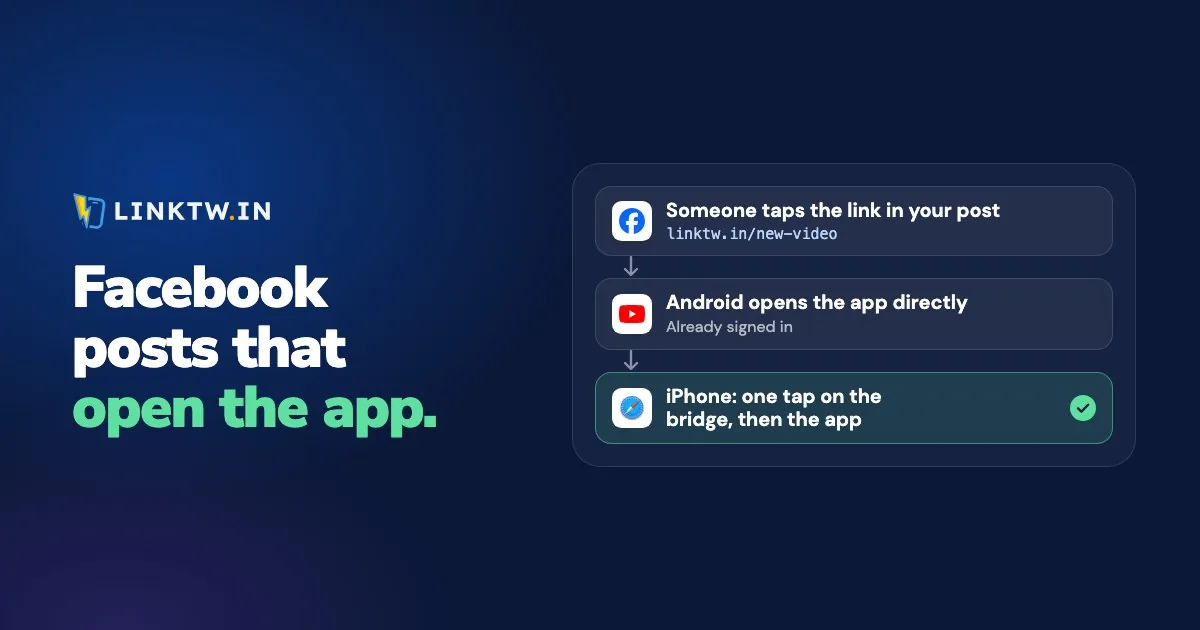
Facebook opens website links inside its own in-app browser, so a YouTube, Amazon or Spotify link you post plays in Facebook's window instead of the app, and a link to your shop opens without your visitor's saved logins. Facebook's help page says it plainly: when you tap a link to a website in the Facebook app, it opens within the app.
On your side, it plays out like this. You share a new video in a group, someone taps it on their phone, and it plays in Facebook's browser, where they're usually not signed in to YouTube. They can watch, but Subscribe asks them to log in first, and the watch never reaches their YouTube history, the one cost YouTube itself names when it talks about sharing videos outside YouTube. Few followers ever leave Facebook's browser on their own, and the ones who do land in the phone's browser, not the YouTube app.
What you can change is the link. A LinkTwin link posted on Facebook opens YouTube, Amazon, Spotify or one of 100+ other apps from the Facebook app: directly on Android, and after one tap on LinkTwin's page on iPhone. A link to your own website leaves Facebook's browser too, for Chrome or the phone's default browser on Android and for Safari, automatically, on iPhone.
What a LinkTwin link does on Facebook
| Facebook app on | YouTube, Amazon, Spotify and other apps | Your website or shop |
|---|---|---|
| Android | Opens the app directly | Opens in the phone's browser |
| iPhone | One tap on LinkTwin's page, then the app | Opens in Safari automatically |
| A computer | No in-app browser in the way | Opens in the browser they're using |
On iPhone, an app link stops on LinkTwin's bridge page, which shows an Open in app button, and one tap there opens YouTube or Amazon with your follower already signed in. On Android there's no stop. If the app isn't installed, the same link opens the web page in the browser.
For a shop or a booking page, the right-hand column matters as much as the apps. Facebook's browser keeps its own cookies, so your customer usually arrives there signed out, with no remembered card, and checkout asks them to type everything with their thumbs. In Safari or Chrome, the login and card they saved are already there.
Facebook is one of several apps with a window like this. What an in-app browser is compares Instagram, TikTok, Facebook and X, and the same short link works in an Instagram bio or Story, where app links open directly.
Create the link and post it
- Copy the URL you were going to paste into Facebook: a video, a product, a track, or a page on your site.
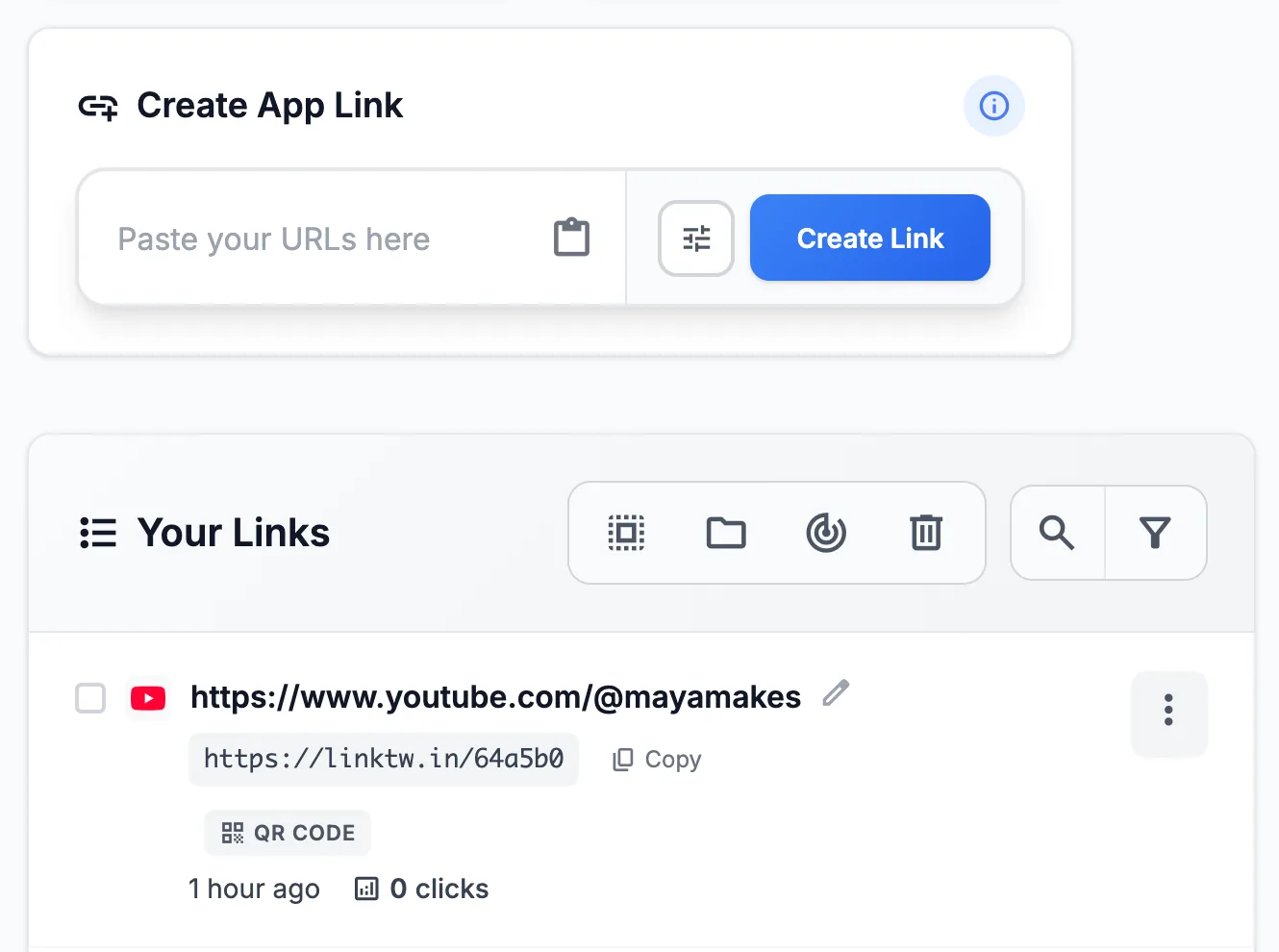
- Paste it into the Create App Link box in LinkTwin and copy the short link.
- Post the short link in your post, comment, group or Page. Leave the raw URL out of the text, so nobody taps the version that stays in Facebook.
- Tap it from the Facebook app on a phone, on Android and on iPhone if you can. A check on a computer won't show the in-app browser at all.
Links to your own website or shop are included on every paid plan.
Every tap is counted before the app or browser opens. The click report on each link shows clicks over time, country, device, operating system, browser and the source of the tap. Give each group or Page you post in its own short link, and the reports show which one actually clicked. LinkTwin counts clicks, not what happens after the app opens.
If you're paying to promote the post, the same in-app browser sits between your ad and your page, and link clicks vs landing page views explains what it does to your Ads Manager numbers.
When a facebook.com link opens the browser instead of the Facebook app
Some people searching this mean the reverse: they shared their Facebook Page, a group or a post, and the tap opened facebook.com in Chrome or Safari instead of the Facebook app. That's the phone's link handling, not Facebook's browser, and it happens most when the link is tapped in an email, a text, a QR code or another app, for the same reasons a deep link opens the website instead of the app.
When you're the one sharing, send a LinkTwin link to your Facebook Page or group instead of the raw address. People who have the Facebook app land in it, already signed in and able to like or join, and people who don't get the page in their browser.
Common questions
Will my post still show the video's thumbnail?
Yes. Facebook builds the preview card from the short link, and LinkTwin gives it the title and image of the page you linked. You can also set your own title, description and picture on the link, which changing a link preview walks through.