
 Instagram, TikTok & In-App Browsers
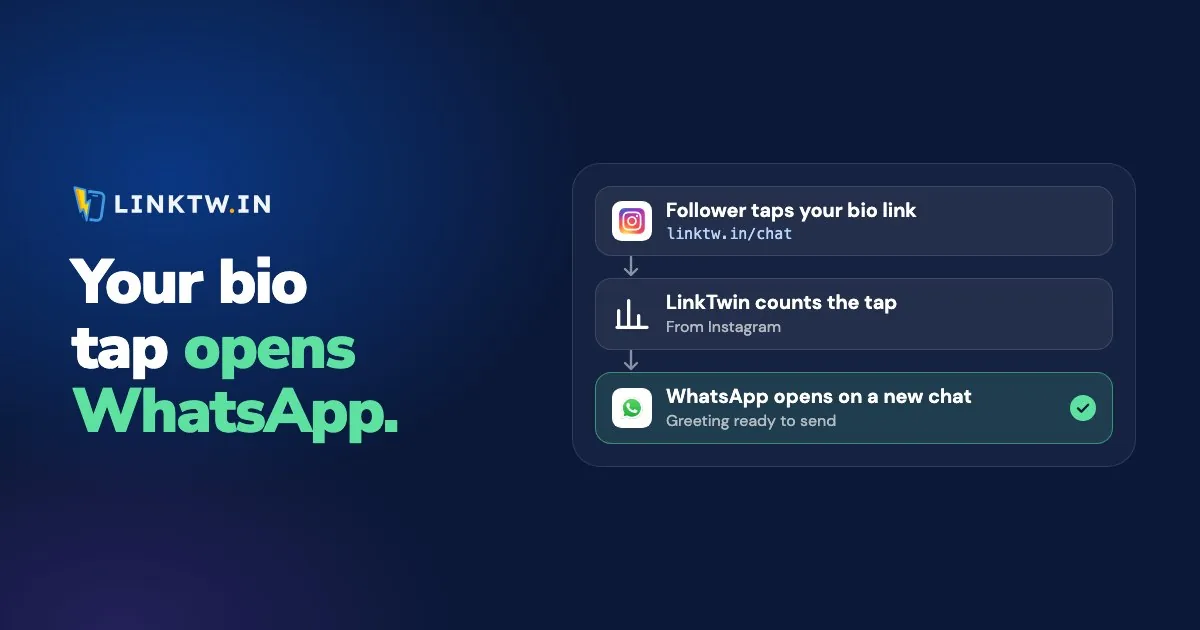
To put WhatsApp on your Instagram, make one chat link and post it where Instagram lets people tap: a link in your bio, a link sticker on your Stories, and your replies in DMs. Make that chat link with LinkTwin, and a tap from Instagram opens the WhatsApp app on a chat with your business instead of a web page inside Instagram.
That last part is where customers drop off. Someone sees your new menu in a Story, taps "Message us", and a WhatsApp web page loads inside Instagram's own browser, with one more button between them and the chat. A LinkTwin WhatsApp link opens the WhatsApp app on a chat with your number from an Instagram bio, Story or DM, so your customer can type and send right away. If WhatsApp isn't installed on their phone, the link opens WhatsApp's web page instead.
Make your WhatsApp link
- Copy your WhatsApp chat link. The WhatsApp Business app has one ready under Short link in its Tools, where you can also set a first message your customers see when the chat opens (WhatsApp's help page). On a personal account, your chat link is
wa.me/plus your number with its country code. - Paste it into LinkTwin. Use the Create App Link box in your dashboard, or the form on the WhatsApp links page, and copy the short link it gives you. LinkTwin turns your chat link into a short address that opens the WhatsApp app wherever it's tapped on Instagram.
- Test it from Instagram on a phone that has WhatsApp: send it to yourself in a DM and tap it. A click on a computer only shows that the link loads, because there's no in-app browser in the way.
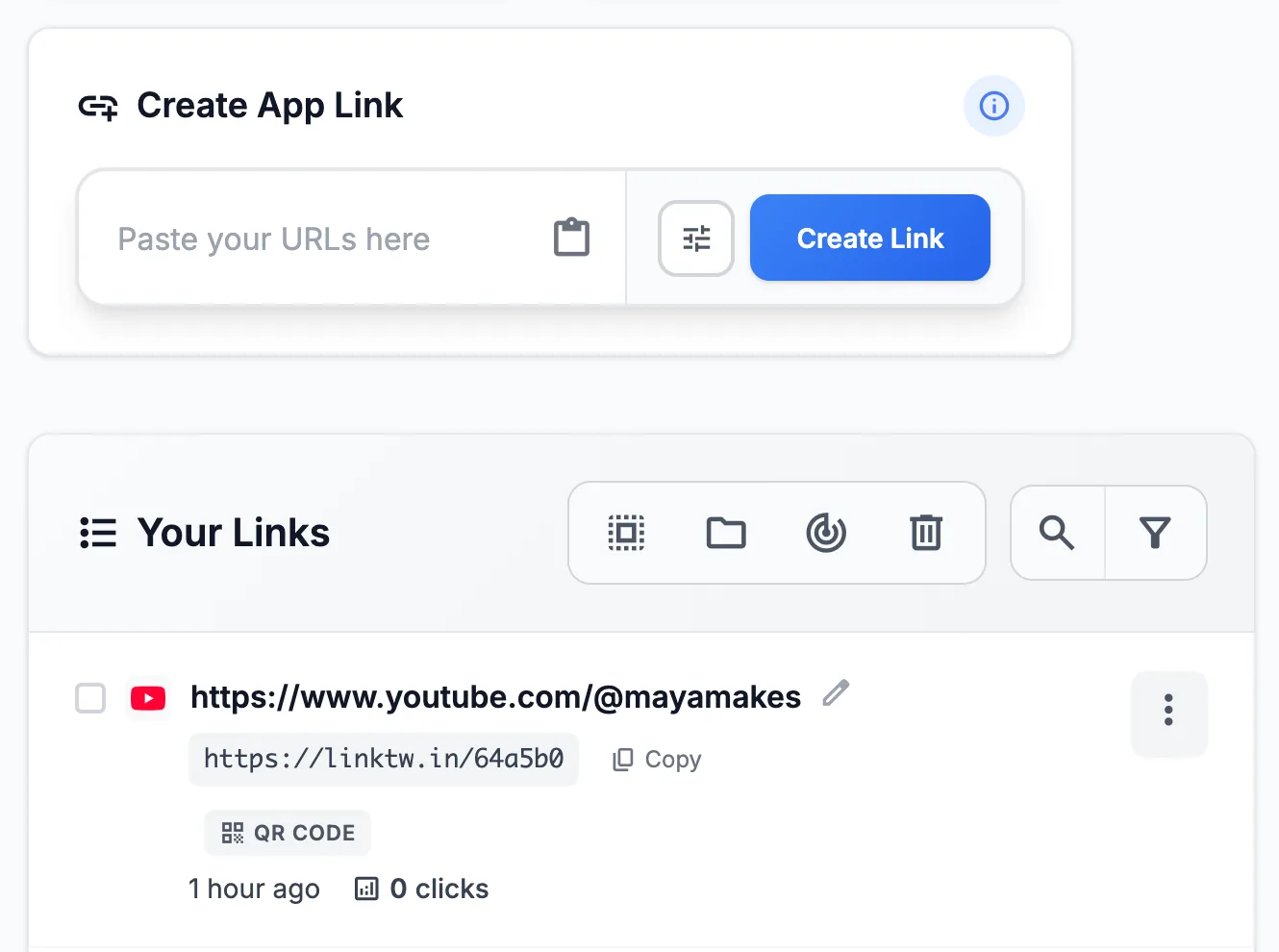
A custom ending like linktw.in/chat-with-us is available from the Medium plan.
Where to put it on Instagram
| Place | How it works | Tip |
|---|---|---|
| Bio | One of the five links on your profile, under Edit profile, then Links | Put the chat first if messages are how you sell |
| Stories | The link sticker, with your own label | "Message us" or "Order on WhatsApp" beats a bare address |
| Highlights | A Story saved to a Highlight keeps its sticker | A "Contact" Highlight keeps the chat one tap from your profile |
| DMs | Paste the short link in your reply | Send it when someone asks how to order or book |
The step-by-step for each spot lives in its own guide: adding links to your Instagram bio and adding a link to an Instagram Story. A link typed into a caption or a comment stays plain text for most accounts, so use the caption to point at the bio or the Story, and every clickable spot on Instagram has the full list.
Instagram can also put a WhatsApp button on your profile, which shows your number as a contact option. It lives only on the profile, though, so your Stories and DMs still need a link, and a button gives you no click count per post. On a brand-new account the Story Link sticker may not show up yet, one of the cases behind an Instagram link sticker that isn't working.
Why a plain WhatsApp link opens a web page
Instagram opens the links you post in its own browser by default, as its help page explains. A wa.me address is a website, so a tap on it loads WhatsApp's web page inside Instagram's window. From there your customer has to find the button that hands them over to the app, and an in-app browser doesn't always let that handover happen.
A LinkTwin link skips that page. LinkTwin recognizes the WhatsApp link behind the short link, and when the tap comes from Instagram it opens the WhatsApp app directly on the chat. The same thing works for links to YouTube, Amazon, Spotify and your own shop, which how in-app browsers work explains app by app.
See which post starts the chats
Give the bio and each Story campaign their own short link, all pointing at the same chat, and the click report splits them for you: clicks over time, country, city when it can be located, device and the source of each tap. Add a + to the end of a short link (linktw.in/chat-with-us+) to open its stats. LinkTwin counts the tap, not whether the customer pressed send, so read it next to the chats that come in.
Every link also has a QR code, so the same chat can go on your shop counter, a menu or a receipt. Scanned with a phone camera, it opens WhatsApp directly when the app is installed.
Common questions
Will people see my phone number?
Not in the link they tap: your bio and Stories show the short link, not the digits. Once the chat opens, WhatsApp shows your number as it does in any chat, so use a number you're happy to make public, such as your business line.
Does it work for a WhatsApp group or channel?
Yes. Paste a group invite link (chat.whatsapp.com/...) or a channel link instead of your number, and a tap from Instagram opens the group or the channel in the WhatsApp app.