
 YouTube Creators
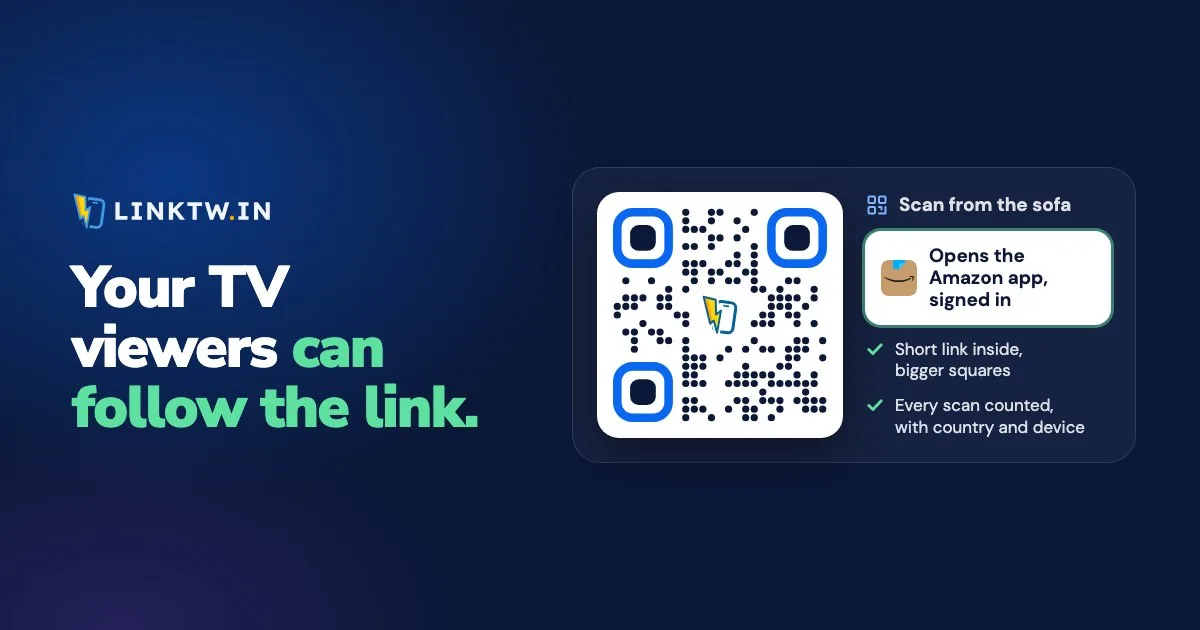
To add a QR code to a YouTube video, put it in your edit as an image layer before you upload. Once the video is live, YouTube Studio's editor can trim it but can't place an image in the picture, so make the code as large as the shot allows, leave it on screen long enough for someone on the sofa to find their phone, and put a short link inside it instead of the full address.
The living room is why it's worth doing. TV is now the primary device for YouTube viewing in the U.S., according to YouTube's CEO, and on a TV your description links are text a remote can scroll, not buttons. People watching on a phone still have every one of the places YouTube gives you for a link. The viewer on the couch who wants the pan from your review has to remember it and go looking for it later.
A LinkTwin QR code on a TV screen opens the product, the episode or the playlist in its app on the viewer's phone, where they're already signed in. The code holds a short link like linktw.in/cast-iron, so its squares are bigger and read from farther away. And since a video can play for years, you can change where the code points after it's live, without uploading again.
How big to make the code on a TV
There's no official size for a code on a TV, and a rule of thumb based on a share of the frame ignores what actually breaks a scan: the distance to your farthest seat. DENSO WAVE, which invented the QR code, says bigger squares read more reliably and recommends making a code as large as the space allows. So start big and check it from the sofa:
- Place the code at the largest size the shot can hold, white border included, and upload the draft as unlisted.
- Play it on your TV and scan from the farthest seat with the oldest phone in the house. Time how long it takes.
- If you need the space back, shrink the code a step at a time until that phone fails, then go back up a step or two.
What's inside the code changes the size too. A short link of about 25 characters makes a simpler grid than a 100-character product address with tracking tags on the end, so at the same size on screen each square is bigger. Keep those tags on the destination behind the short link. Black on white reads best (on a dark shot, sit the code on a white tile), with a white border at least four squares wide so the camera can find the edges.
How long to leave it on screen
At least as long as your sofa test took: phone found, camera open, aimed, tapped. While it's up, say what's behind it, and put a line under the code with the address for anyone who'd rather type, such as "Scan for the pan: linktw.in/cast-iron". A custom ending like that one is available from the Medium plan. Bring it back near the end for the viewers who found their phone late. Hold it still and sharp, with no slide or fade, and keep it clear of the bottom of the frame, where captions sit.
Phone viewers see the same code, on the very screen they'd have to scan with. That's why Google tells advertisers to avoid burning QR codes into video files (Google Ads Help): its own ad codes are built to appear on TV screens. A normal upload can't do that, so keep the big code brief and tell phone viewers the same link is first in the description, one of the description links people can actually tap.
What the code should open
The one thing the video is about. The product in the Amazon app, the episode in Spotify, a playlist in the YouTube app, a sign-up page, or an app download link that sends iPhones to the App Store and Android phones to Google Play. Someone who got up for your code won't hunt through a homepage.
A phone camera has no in-app browser in the way, so a LinkTwin app link opens the app straight from the scan, and the website opens when the app isn't installed. For an Amazon product, save your Associates tag for each store once and LinkTwin adds it, with each shopper sent to the Amazon store for their country.
Links to your own website or shop are included on every paid plan.
The picture is permanent, but the link inside it doesn't have to be. A code that holds a raw product URL keeps sending people there for as long as the video plays, including after the product is gone. A LinkTwin code keeps the same pattern while you change its destination with Edit QR in the dashboard, so an old review can point at this year's model. That's the difference between dynamic and static QR codes, and it matters more in a video than on paper, because you can't reprint an upload.
Changing where a link points after you share it is included on every paid plan.
Whatever the code opens counts as a link in your video, so YouTube's external links policy applies to every destination you set, now and later.
Make the code and put it in your edit
- Create it. On the QR Codes page of your dashboard, select Create QR Code, keep Dynamic, paste the destination and name the code after the video. The QR code generator page shows what you'll get.
- Leave room around it. Under Advanced Options, set Margin (a percentage of the code's size) high enough for a white border about four squares wide. Leave Error Correction at M, because a higher level adds squares and makes each one smaller, then select Generate QR.
- Place it. Download the SVG or PDF, which stays sharp in a 4K edit, and add it as an image layer with the short address typed underneath.
- Test it on the TV. Play the unlisted upload and scan from the far seat with an iPhone and an Android phone. The right app should open on the right page.
QR codes are included on every plan.
Counting the scans from TV viewers
Every scan lands in the click report: scans over time, country, city when it can be located, device, operating system and browser. They come from phones, so you'll see iPhones and Android phones, never the TV. LinkTwin counts the scans, not sales or subscribers.
Give the code its own short link, separate from the description link, so TV scans and phone taps don't land in the same pile. YouTube Analytics splits views by device type, TV included, and you can set the two numbers side by side. They won't match one for one, since one counts people who watched on a TV and the other counts people who picked up a phone and scanned. When the code carries a sponsor's link, that scan count is something you can hand the brand, and landing a first sponsor starts with numbers like it.
Common questions
What's the QR code YouTube shows on my TV?
That's YouTube's sign-in screen. Scanning it, or going to yt.be/activate on a phone and entering the code shown, signs the TV into a Google account (YouTube Help). It has nothing to do with a code inside a video.
Does YouTube add a product QR code for TV viewers?
Only for products tagged through YouTube Shopping. YouTube announced shopping QR codes on tagged videos in October 2025, and its October 2026 Shopping launch in the Middle East describes TV viewers scanning one to check out on Amazon. Those codes open the tagged product. For a sign-up page, an app, an episode or anything you can't tag, the code in your edit is still the way.