
 Using LinkTwin
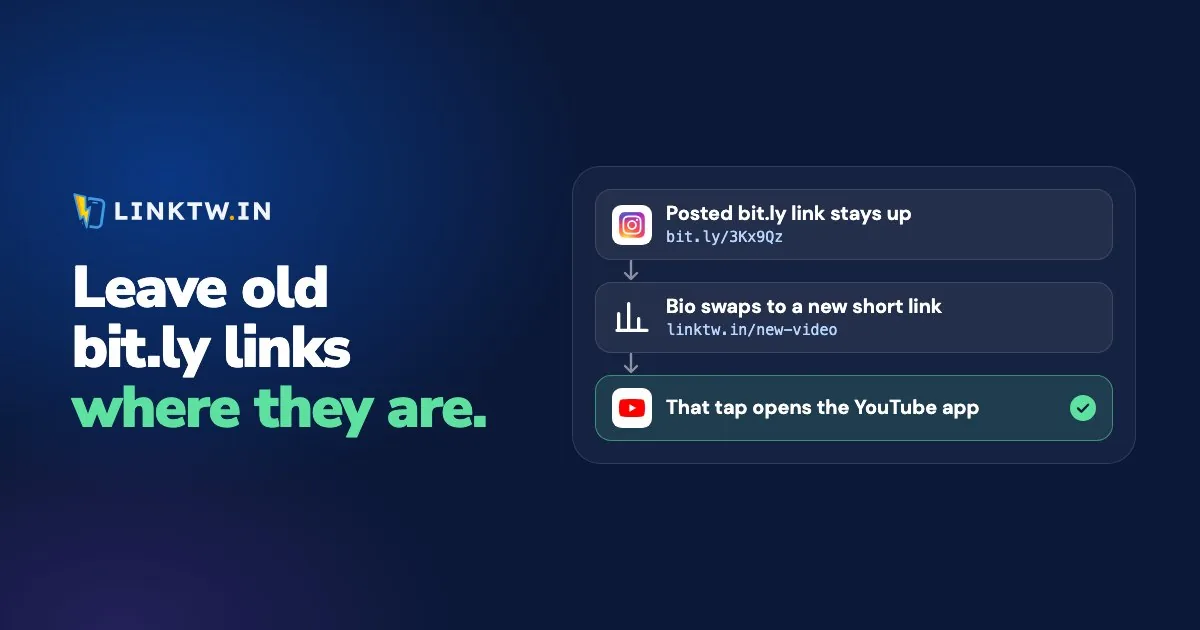
You can't move a bit.ly address to LinkTwin, or to any other shortener: it lives on Bitly's domain, and it keeps going wherever Bitly sends it. What you move is the destination. Make a LinkTwin link to the same page, put it everywhere you can still edit (your bio, pinned posts, new QR codes), and leave the old Bitly links running in the places you can't.
That's less risky than it sounds, because Bitly doesn't switch your links off when you leave. Bitly says its links never expire unless you set an expiry, and links on bit.ly keep working even after the account is deleted, although nobody can edit them or see their stats from then on.
Why creators switch from Bitly
Most creators who leave Bitly want something a standard Bitly link doesn't do. A Bitly link redirects to the long address, so a YouTube or Amazon link tapped in an Instagram bio still loads inside Instagram's own browser, where your follower is signed out and the subscribe or the purchase stalls.
A LinkTwin short link opens the app instead: tapped in an Instagram bio, Story or DM, it opens YouTube, Amazon, Spotify or one of 100+ other apps, where your follower is already signed in. Links to an ordinary website go out to the phone's own browser. On Amazon links, LinkTwin adds the Associates tag you saved and sends each shopper to the Amazon store of their country. What a deep link is explains why a plain redirect can't do the same, and the Bitly vs LinkTwin comparison puts features and prices side by side.
What happens to the links you already posted
Nothing you do in LinkTwin rewrites a bit.ly address that's already in a video, a comment, a newsletter or a printed flyer. Those taps keep landing on Bitly until you change the place that shows the link.
| Link you already shared | If you leave it on Bitly | What to do |
|---|---|---|
bit.ly/... in a post, video or message you can't edit |
Keeps working, even after you close the Bitly account | Leave it, and use a LinkTwin link wherever you can still edit |
A domain you bought, such as go.yourbrand.com/sale |
Keeps working while the domain's DNS points at Bitly | Recreate the same endings on LinkTwin, then point the domain at LinkTwin |
| A complimentary domain Bitly gave you | Stays with Bitly. After you leave, its links stop when the registration runs out, up to a year later | Replace those links before then |
| A printed Bitly QR code | Scans keep going to the Bitly link. Only Bitly can redirect it, on its plans that include redirects | New prints get a LinkTwin QR code |
What to change first
There's no single switch that moves everything at once, so work from the taps you still control, busiest first.
- Get your list out of Bitly. If your Bitly plan includes export, the file lists each short link next to its destination. If it doesn't, copy the destinations of the links that matter. Your Bitly click history stays in Bitly either way.
- Sort the links into three piles. Still editable: bio, link-in-bio buttons, website, email signature, ad URLs, pinned posts and video descriptions you can still change. Frozen: a printed code, a comment you can't edit, a video you won't touch. Done: a campaign that's over.
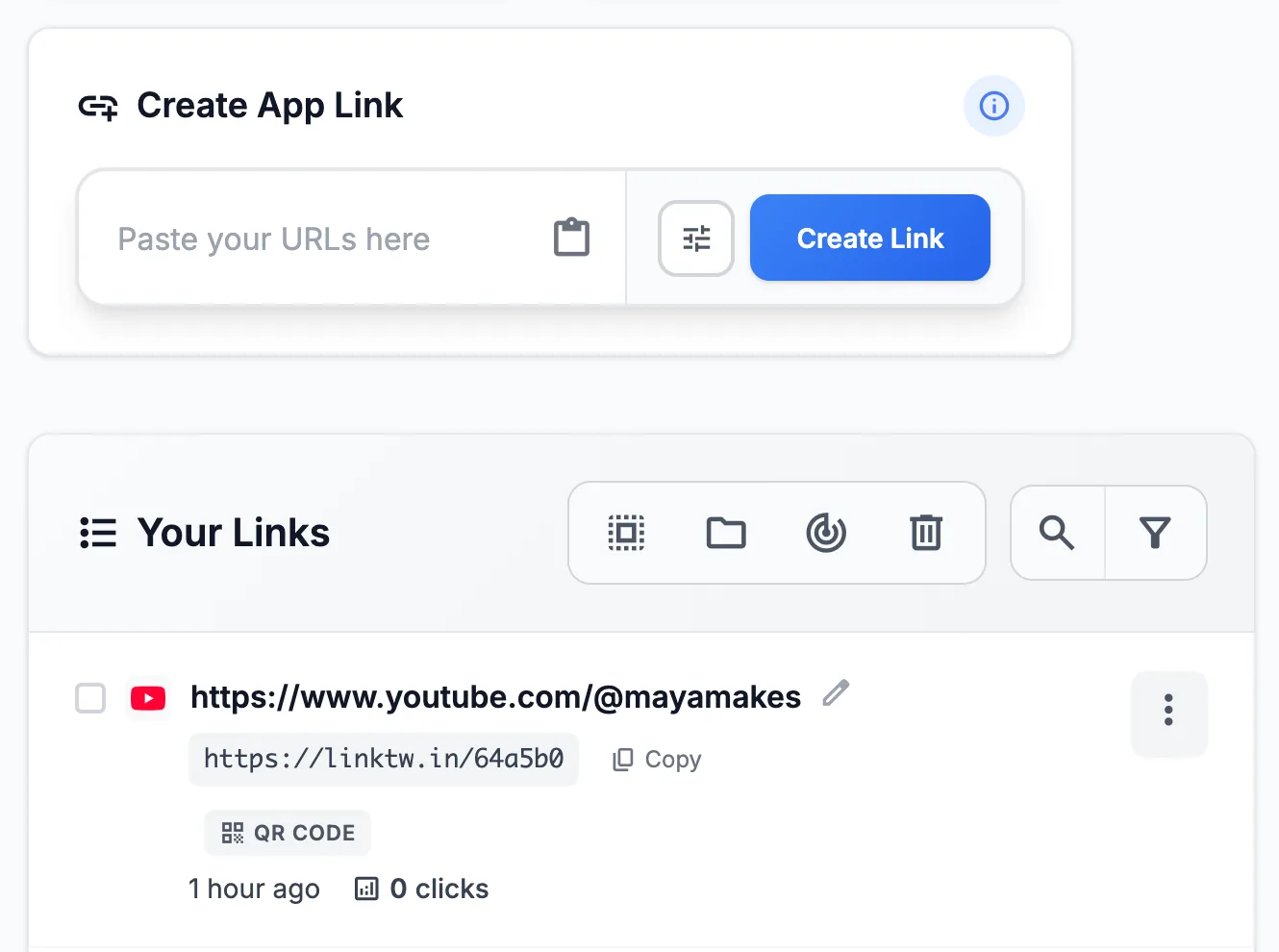
- Create the replacements. Paste the long URL into LinkTwin, or paste the
bit.lylink as it is: LinkTwin follows it to the page it points at and saves that page as the destination, so the new link doesn't pass through Bitly. Glance at the destination on the new link before you post it. - Import a long list in one go. The Import/Export Links page in your dashboard takes a CSV file with a column of URLs (bit.ly links included) and an optional column of endings.
- Swap the editable pile. Bio and pinned posts first, then email templates, ad destination URLs and the descriptions you can still change, where LinkTwin's YouTube Bulk Editor, in early access, can replace a link in every old video description in one save.
- Leave the frozen pile on Bitly. Dropping to Bitly's free plan doesn't stop
bit.lylinks either. Redirects come only with some of Bitly's paid plans, though, and a closed account can't edit anything, so downgrade or close only when no Bitly link you might still need to change is left.
Importing links from a CSV file is included on every plan.
Links to your own website or shop are included on every paid plan.
How to keep tracking clicks
Click history doesn't move between tools. Bitly keeps the numbers of the old link, and LinkTwin starts counting on the new link from its first tap. If you leave an old bit.ly link up somewhere, its taps keep counting in Bitly, not in LinkTwin.
Each LinkTwin link has its own click report: clicks over time, country, city when it can be located, device, operating system, browser, and the source of each tap. Adding a + to the end of a short link (linktw.in/new-video+) opens its stats. Make one new link per placement (bio, a pinned post, a Story, an ad) and you'll see which spot gets the taps, and how to track link clicks covers what each number can tell you.
If the short links are on your own domain
A bit.ly ending can't move to another domain. A domain you registered yourself can, because you control where it points. Create the LinkTwin links first, with the same endings people already have, since a printed code or an old post will ask for that exact path. Then change the DNS record, following how to connect a custom domain. Until that change takes effect, taps still go to Bitly. Remove the domain from your Bitly account only once you no longer need to edit those links there.
Custom domains are available from the Medium plan.
Choosing the ending of a short link is included from the Medium plan.
A complimentary domain is different: Bitly says it can't be transferred to you or anyone else, so the links on it need replacing rather than moving. More on short links that carry your own name is on custom branded domains.
Printed QR codes
A code that's already on a poster or a package can't be rewritten. It keeps scanning to the Bitly link, and the scans keep counting in Bitly. Every LinkTwin link comes with its own QR code, so new flyers, packaging and end screens can use that, and the scan opens the app and counts on the new link. Changing where a link points after you print it is included on every paid plan. Dynamic and static QR codes explains why that matters before the next print run.
Common questions
Can I replace my Bitly Page too?
A Bitly Page stays on Bitly. You can build a LinkTwin bio page instead, whose buttons open YouTube, Amazon or Spotify in their apps, and put its address in your bio. Change the buttons on the old Bitly Page to the new links while you can still edit it.